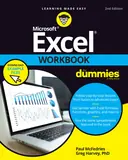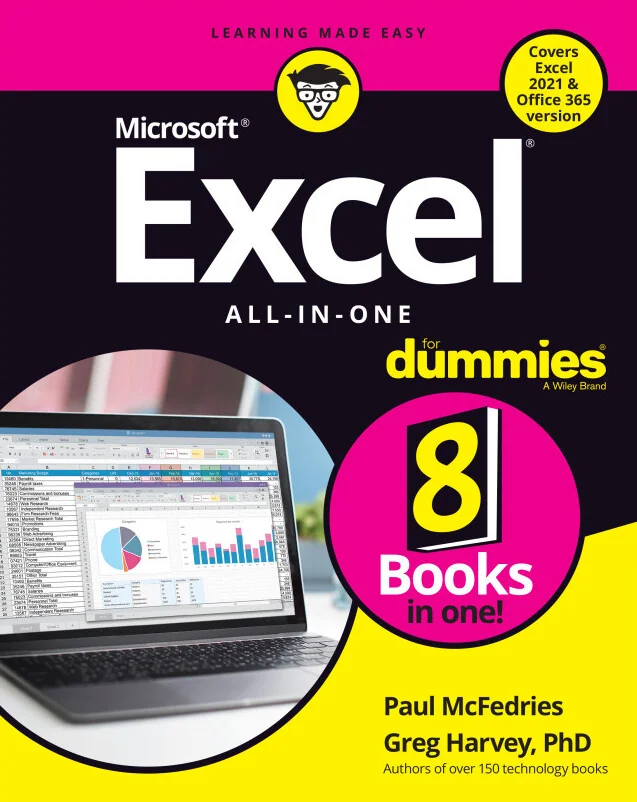
Excel All-in-One For Dummies
The Art, Science, and Practice of Architectural Lighting Design
Created by Wiley and Sons, Paul McFedries, Greg Harvey
Build a strong foundation in Excel and move confidently into advanced features with clear, practical guidance. Learn to design worksheets, analyze data, create charts, and automate repetitive tasks to work more efficiently and make better decisions.
Wiley | Sep 2025 | 784 min
What You Will Learn
You'll start by getting comfortable with the Excel interface and essential functions. Step by step, you'll practice building formulas, designing worksheets, and creating charts. As you progress, you'll work with real-world data, explore analysis tools, and learn to automate tasks using macros and VBA, applying each new skill right away.
Key Features
- Quickly master Excel basics and customize your workspace for productivity
- Analyze and visualize data with charts and pivot tables for clear insights
- Automate repetitive tasks with macros and VBA to save time and reduce errors
Target Audience
Ideal for office professionals, students, and anyone new to Excel who wants to build practical skills from the ground up. If you're looking to streamline your workflow, analyze data, or automate tasks without prior programming experience, you'll find clear explanations and actionable techniques to help you reach your goals.