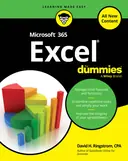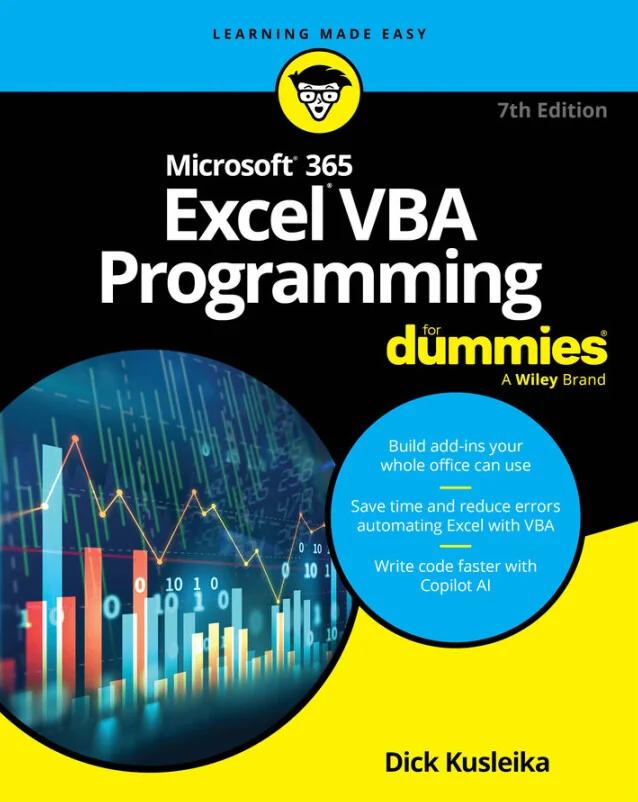
Microsoft 365 Excel VBA Programming For Dummies
Automate Excel tasks and integrate Copilot with VBA for smarter productivity
Created by Wiley and Sons, Dick Kusleika
Discover how to automate your Excel tasks and boost productivity by learning VBA programming. Explore ways to create custom functions, streamline repetitive work, and use Copilot AI to enhance your coding experience. Gain practical skills for building interactive tools and add-ins within Excel.
Wiley | May 2026 | 448 min
What You Will Learn
You will start by exploring the basics of VBA and the Visual Basic Editor, then move on to building macros and writing simple code. As you progress, you will work with variables, control flows, and error handling. Practical exercises guide you through integrating Copilot, designing interactive forms, and creating custom add-ins for Excel.
Key Features
- Automate repetitive Excel tasks and workflows using macros and VBA code
- Integrate Copilot AI to generate and refine VBA scripts for smarter automation
- Create custom forms and functions to build interactive Excel solutions
Target Audience
Ideal for Excel users who are comfortable with formulas, ranges, and charts and want to automate tasks or build custom solutions. No prior programming experience is required, but logical thinking and familiarity with Excel navigation will help you get the most out of your learning experience.