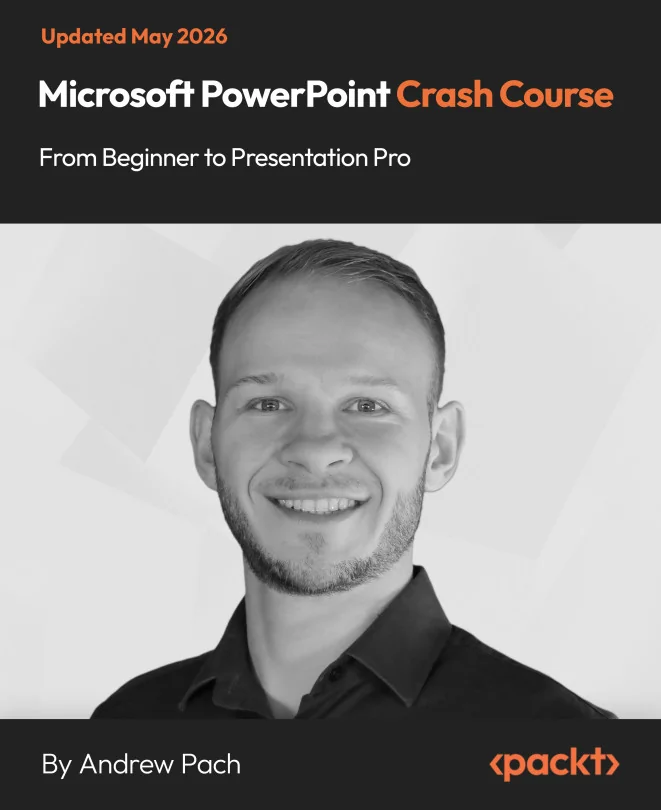
Microsoft PowerPoint Crash Course
Unlock Microsoft PowerPoint: From Beginner to Presentation Pro

Created by Andrew Pach
Explore everything PowerPoint has to offer, from the basics to advanced design and animation techniques. Build confidence as you create polished, professional slides that stand out in any setting. Gain practical skills you can use right away for business, education, or personal projects.
Packt | May 2026 | 161 min
What You Will Learn
You will learn by doing, working through practical exercises that reinforce each new skill. Start with the essentials and move on to more advanced features like animations and custom layouts. Each step builds your confidence and helps you apply what you learn to real-world presentations.
Key Features
- Master shortcuts and design tools to create slides faster and with greater consistency
- Apply animations, transitions, and interactive features for engaging presentations
- Design professional layouts and charts to communicate ideas clearly and visually
Target Audience
Perfect for students, professionals, educators, and anyone looking to improve their PowerPoint skills. If you want to save time, create more engaging presentations, or master advanced features, you'll find clear guidance and hands-on practice at every stage. No prior PowerPoint experience is needed, just basic computer skills.