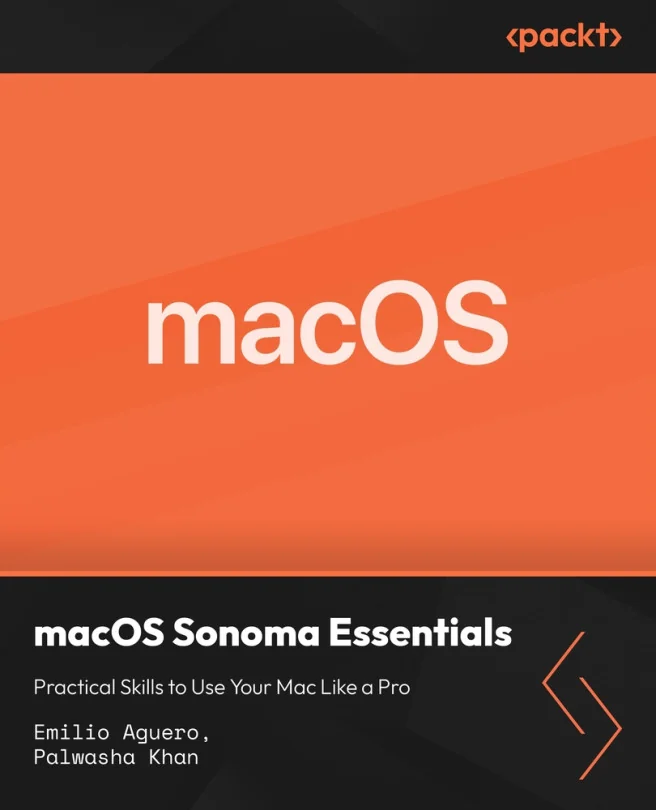
macOS Sonoma Essentials: Practical Skills to Use Your Mac Like a Pro
Build confident Mac skills for productivity, security, and daily use
Created by Emilio Aguero, Palwasha Khan
Gain practical skills to confidently use your Mac for work and personal tasks. Learn how to navigate macOS Sonoma, manage files and apps, customize your settings, and keep your system secure. Build habits that help you get more done and avoid common Mac frustrations.
Packt | Jul 2026 | 416 min
What You Will Learn
You'll start with the basics of desktop navigation and Finder, then move on to managing apps, documents, and settings. Each section uses clear demonstrations to show how to customize your Mac, connect to networks, and keep your system running smoothly. By the end, you'll be able to solve common problems and work more efficiently.
Key Features
- Quickly organize files, manage apps, and use Finder for daily productivity
- Personalize your Mac with display, sound, and account settings that fit your needs
- Protect your data and troubleshoot issues with built-in security and maintenance tools
Target Audience
This course is ideal for new Mac users, Windows switchers, and anyone looking to sharpen their everyday macOS skills. If you want to feel more confident using your Mac at home, school, or work-without needing a technical background-these practical steps will help you get there.