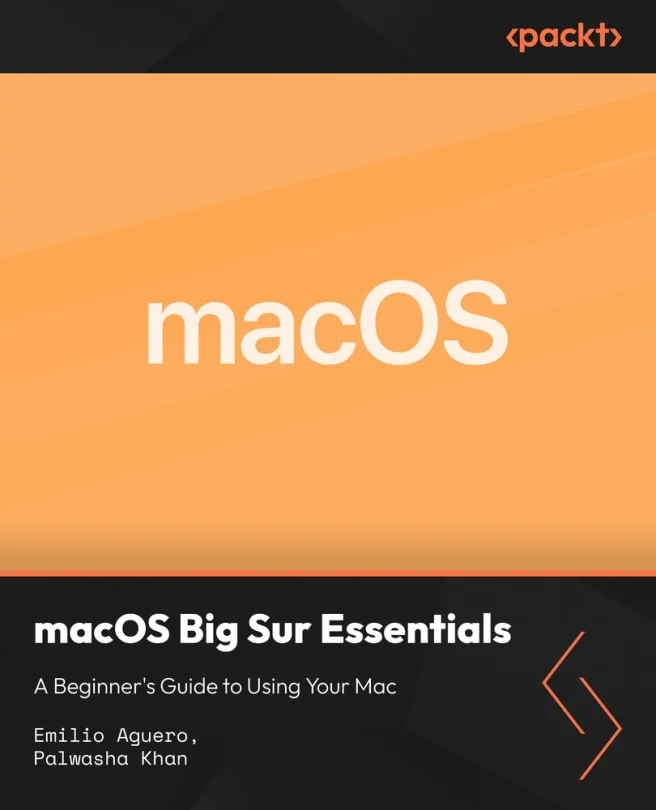
macOS Big Sur Essentials - A Beginner's Guide to Using Your Mac
Master Everyday Mac Skills with macOS Big Sur for New Users
Created by Palwasha Khan, Emilio Aguero
Get comfortable using your Mac with step by step guidance on macOS Big Sur. Learn how to navigate, organize files, use built in apps, and personalize your system. Build practical skills for everyday tasks and keep your Mac running smoothly and securely.
Packt | Jul 2026 | 163 min
What You Will Learn
You will start with the basics of navigation and gradually move into organizing files, using built in apps, and customizing your Mac. Each section uses practical demonstrations and real world examples so you can follow along and apply what you learn right away. By the end, you'll feel comfortable managing and maintaining your Mac on your own.
Key Features
- Confidently navigate macOS and organize files for everyday productivity
- Personalize your Mac and use built in apps to streamline daily tasks
- Protect your data and troubleshoot common issues for peace of mind
Target Audience
Perfect for new Mac users, those switching from Windows, students, and anyone who wants to feel at home on a Mac. No prior experience with macOS is needed. If you want to handle everyday tasks, keep your computer secure, and get the most out of your Mac, this course is for you.