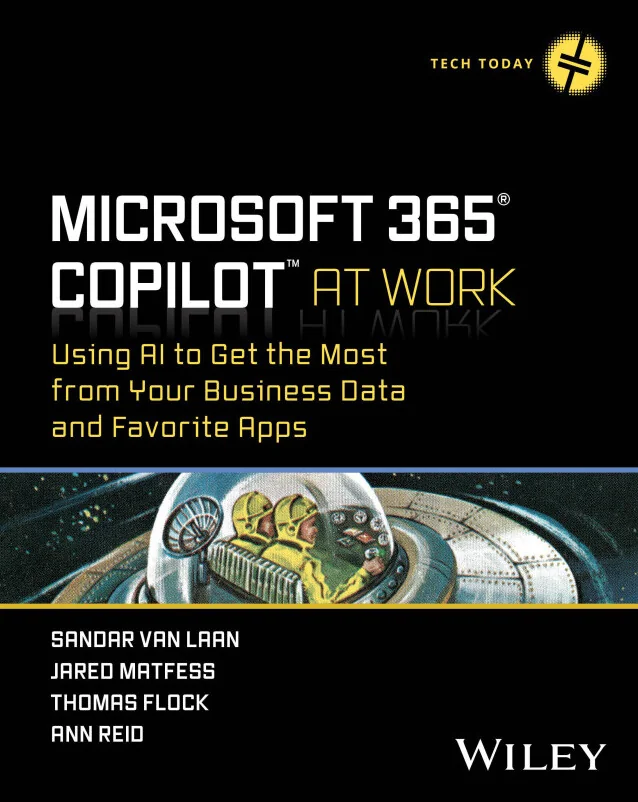
Microsoft 365® Copilot™ At Work
Using AI to Get the Most from Your Business Data and Favorite Apps
Created by Ann Reid, Thomas Flock, Jared Matfess and 1 more
Learn how to make the most of Microsoft 365 Copilot as a workplace AI assistant. Explore secure adoption, prompt engineering, and practical workflows for popular business apps. Gain the skills to plan, implement, and measure Copilot's value across your organization.
Wiley | 368 min
What You Will Learn
You'll start by building a strong foundation in AI basics and prompt writing, then move into security planning and responsible use. Step-by-step, you'll explore real-world workflows in Microsoft 365 apps and learn how to plan, measure, and extend Copilot's value. The course wraps up with hands-on guidance for customizing and scaling Copilot in your organization.
Key Features
- Master secure Copilot rollout and governance for your business data and workflows
- Boost productivity with actionable AI prompts in Outlook, Teams, Excel, and more
- Extend Copilot using Copilot Studio, custom agents, and integration with business needs
Target Audience
This course is designed for business users, managers, IT professionals, and Microsoft 365 administrators who want to deploy or use Copilot effectively. If you're responsible for rolling out new technology, supporting teams, or maximizing productivity with Microsoft 365, you'll find practical strategies and tools to help you succeed.