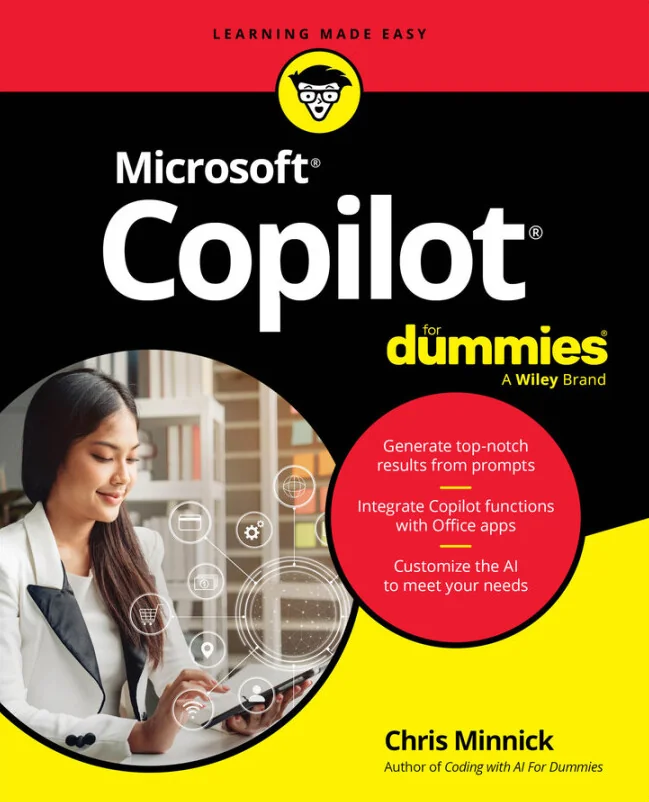
Microsoft Copilot For Dummies
Using Microsoft Copilot to boost productivity across apps, devices, and daily workflows
 WS
WSCreated by Chris Minnick, Wiley and Sons
Discover how to use Microsoft Copilot as a practical AI assistant to streamline your daily work. Learn how Copilot integrates with Microsoft 365 apps and devices, supports productivity, and helps you make better decisions. Explore real-world examples and actionable tips to get the most out of AI in your workflow.
Wiley | May 2026 | 320 min
What You Will Learn
You will start by learning Copilot fundamentals and how to interact with it using text and voice. As you progress, you will explore practical ways to use Copilot in Word, Excel, PowerPoint, and Teams. Realistic scenarios and ethical considerations will guide you in making smart, responsible choices while using AI tools.
Key Features
- Master Copilot basics and set up across Microsoft 365 apps and devices
- Create effective prompts to automate writing, analysis, and presentations
- Apply Copilot to manage emails, meetings, and collaborate more efficiently
Target Audience
Perfect for professionals, students, and anyone looking to work smarter with Microsoft 365. If you are comfortable using apps like Word, Excel, and Teams but new to AI, you will find clear guidance here. No programming experience is needed-just a willingness to explore new ways to boost productivity.