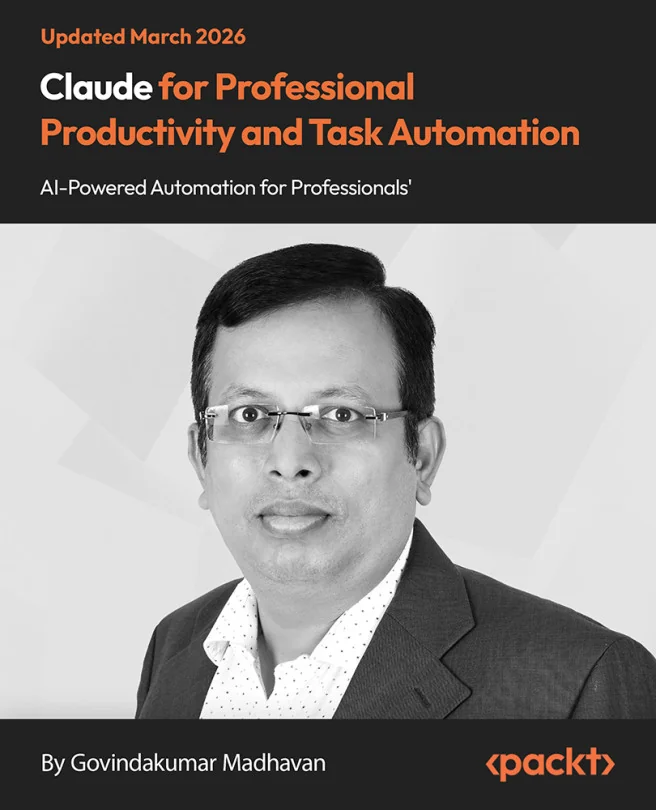
Claude for Professional Productivity and Task Automation
Enhance Productivity with Claude: AI-Powered Automation for Professionals
Discover how to use Claude, an AI assistant, to automate tasks and streamline your daily work. Learn practical ways to boost productivity by integrating Claude with popular tools like Excel and PowerPoint. Gain hands-on experience creating custom workflows that save time and reduce manual effort.
Packt | Mar 2026 | 128 min
What You Will Learn
You will work through real-world scenarios that show how to set up and use Claude for everyday tasks. Step-by-step projects guide you from basic automation to building advanced workflows. By practicing with actual business examples, you'll gain confidence using AI to improve your own processes.
Key Features
- Automate Excel and PowerPoint tasks to simplify data analysis and reporting
- Create custom workflows that connect multiple apps for seamless productivity
- Use Claude's plugins to handle complex tasks like document review and data extraction
Target Audience
Designed for professionals, analysts, and marketers with basic office software skills who want to work smarter. If you are looking to automate repetitive tasks, manage data more efficiently, or explore AI-powered solutions in your daily work, this course will help you achieve those goals.
Related courses