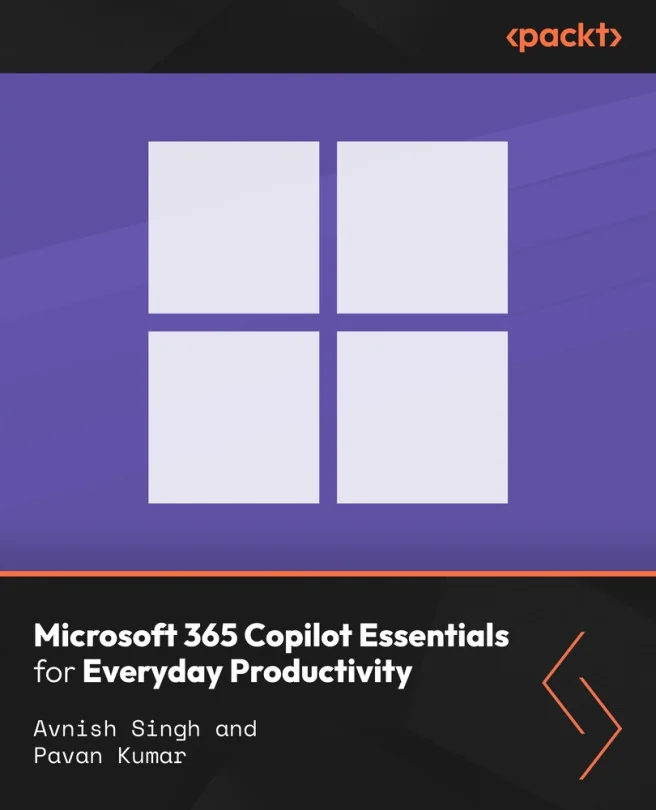
Microsoft 365 Copilot Essentials for Everyday Productivity
Turn everyday Microsoft 365 tasks into faster, AI-assisted workflows with effective prompting


Created by Avnish Singh, Pavan Kumar
Discover how to use Microsoft 365 Copilot to make your daily tasks easier and more efficient. Explore practical ways to apply AI assistance across Word, Excel, Outlook, Teams, and more. Build confidence in shaping prompts and using Copilot features for real business needs.
Packt | Jul 2026 | 194 min
What You Will Learn
You will follow step-by-step walkthroughs that show how to access Copilot, check your settings, and create effective prompts. Real-world examples help you practice using Copilot for documents, data, emails, and meetings. Each section builds your skills with hands-on activities and practical scenarios.
Key Features
- Learn to write clear prompts for Copilot to get accurate, useful results
- Apply Copilot tools to documents, emails, meetings, and collaboration tasks
- Understand access, licensing, and settings for secure and responsible Copilot use
Target Audience
This course is ideal for Microsoft 365 users who want to work smarter with AI, including office professionals, administrators, assistants, and students. If you have basic computer skills and know your way around office apps, you will benefit from practical tips and real examples, no coding or prior AI experience needed.