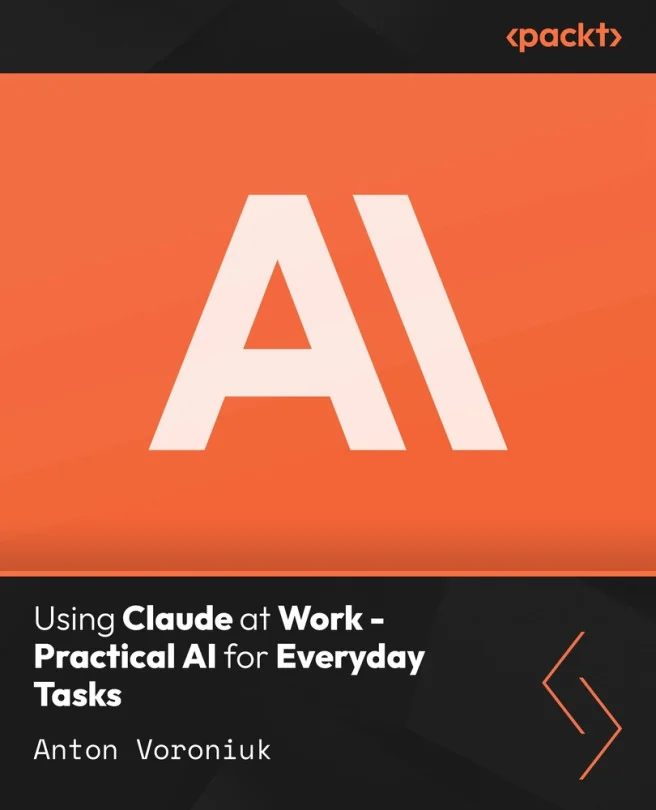
Using Claude at Work - Practical AI for Everyday Tasks
Build reliable Claude workflows for everyday professional tasks

Created by Anton Voroniuk
Learn how to use Claude to automate and streamline everyday professional tasks. Explore practical workflows for document handling, reporting, research, and client communication while keeping privacy and compliance in mind. Build confidence in choosing what to automate and how to maintain accuracy.
Packt | Sep 2026 | 97 min
What You Will Learn
You'll start by setting up Claude and understanding its main features for safe workplace use. Each section introduces a new skill, from writing prompts to building document workflows. You'll apply what you learn by creating practical automations for reporting, research, and client communication, with a focus on responsible use.
Key Features
- Create effective Claude workflows for documents, reports, and communication tasks
- Apply privacy, intellectual property, and compliance safeguards in real scenarios
- Develop and test reusable Claude skills for reliable workplace automation
Target Audience
This course is designed for professionals, managers, consultants, and operations staff who want to use Claude to make daily work more efficient. It's ideal if you're new to AI tools and want hands-on guidance for automating tasks like document processing, reporting, and research. No technical background is needed-just basic computer skills and a willingness to learn.