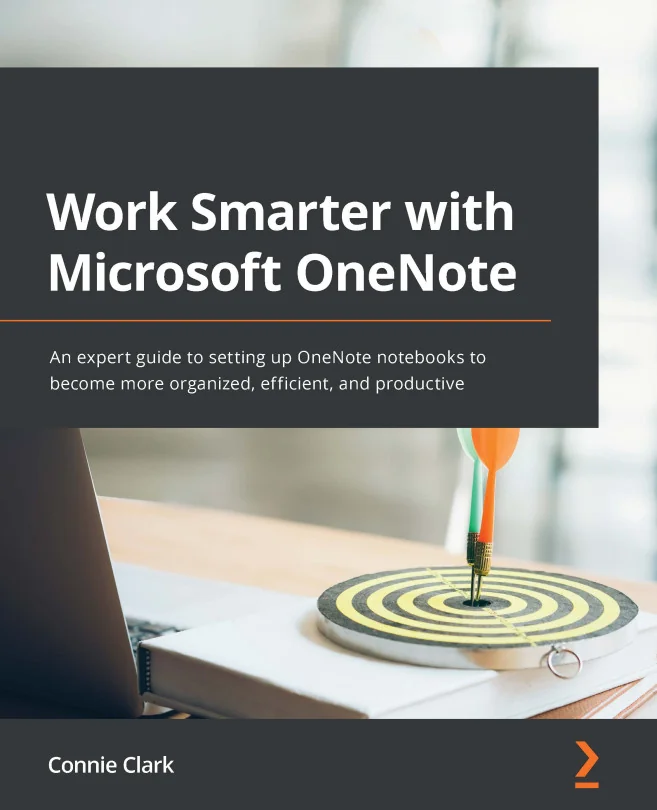
Work Smarter with Microsoft OneNote
An expert guide to setting up OneNote notebooks to become more organized, efficient, and productive

Created by Connie Clark
Get hands-on with Microsoft OneNote and discover how to organize your notes, ideas, and information in a way that actually works for you. Learn how to capture everything from text to web clippings and collaborate easily with others, whether you're working solo or as part of a team.
Packt | Apr 2022 | 324 min
What You Will Learn
You'll explore practical ways to set up and customize notebooks, add different types of content, and use OneNote's powerful search and tagging features. Step-by-step guidance helps you integrate with other Microsoft apps and share notes with others, so you can work more efficiently across devices.
Key Features
- Organize notes with images, audio, links, files, emails, and web clippings
- Use tags and search tools to quickly find and highlight important information
- Collaborate in shared notebooks and integrate OneNote with Outlook, Teams, and more
Target Audience
Perfect for Microsoft 365 users who already know the basics of OneNote and want to get more organized. If you're juggling notes across devices or need to collaborate with a team, you'll find actionable strategies to streamline your workflow and keep everything in sync.