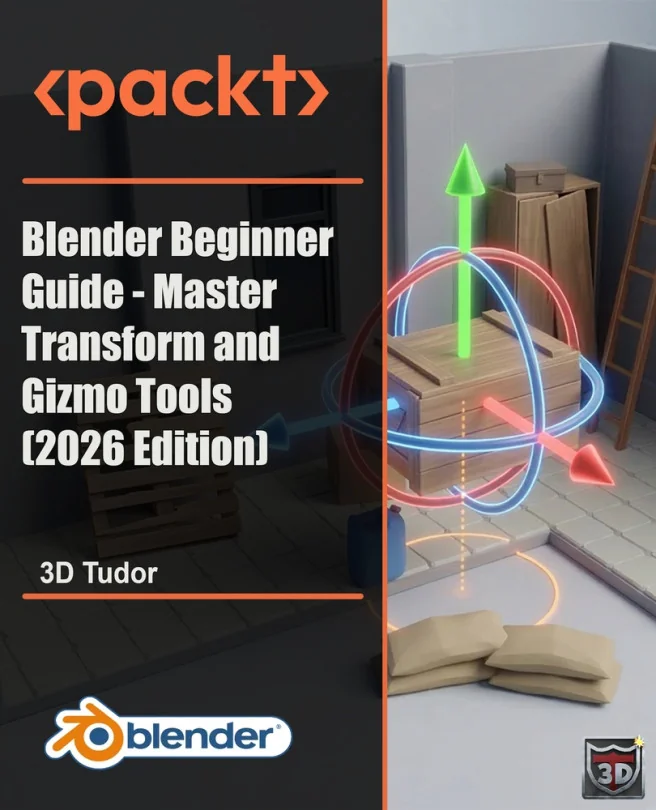
Blender Beginner Guide - Master Transform and Gizmo Tools (2026 Edition)
Control movement, rotation, scale, pivots, and origins with confidence
Created by Neil Ian Bettison
Build a strong foundation in Blender by mastering movement, rotation, scale, and object control. Learn to use gizmo tools, shortcuts, and transform settings to place objects accurately and troubleshoot common issues. Develop skills that help you organize scenes and prepare assets for reliable results.
Packt | Jul 2026 | 130 min
What You Will Learn
You'll start by exploring visible gizmo controls and basic object transforms. Step by step, you'll add new skills like axis constraints, pivot points, and working with origins. Focused examples and scene cleanup exercises help you practice each concept, while troubleshooting sections connect transforms to real production challenges.
Key Features
- Master precise object movement, rotation, and scale using Blender's gizmo tools
- Fix transform issues and set origins for predictable object behavior in scenes
- Speed up your workflow with shortcuts and advanced pivot and orientation controls
Target Audience
Ideal for new Blender users, 3D modeling students, and digital artists who want reliable control over object placement and transforms. If you're preparing to build modular assets, organize scenes, or create game-ready models, you'll find practical guidance and clear steps to boost your confidence and efficiency.
Related courses