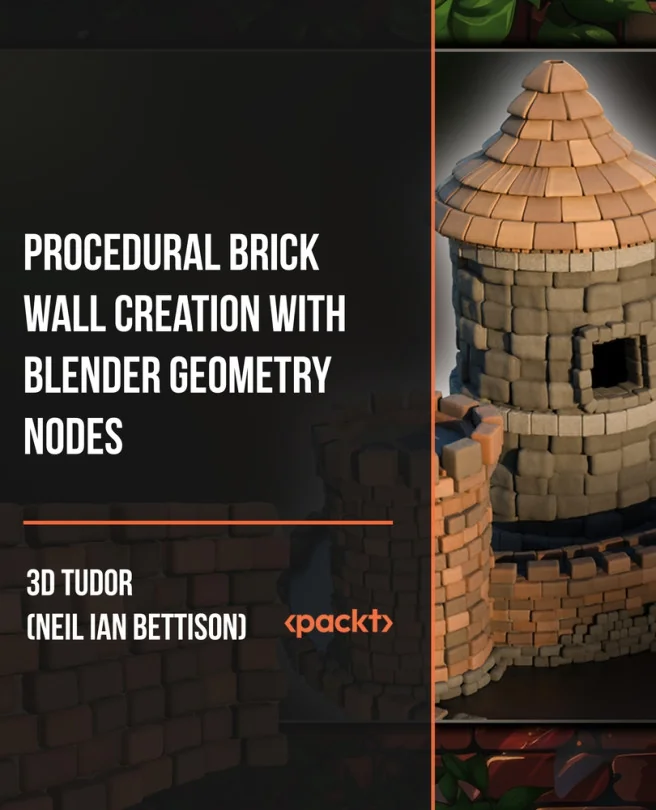
Procedural Brick Wall Creation with Blender Geometry Nodes
Build a fully procedural brick wall generator with Blender Geometry Nodes
Explore how to build a fully procedural brick wall generator using Blender Geometry Nodes. You'll discover how to combine curves, points, and mesh controls to create flexible, reusable wall assets. The focus is on practical skills that help you work smarter and faster in 3D environments.
Packt | Jun 2026 | 273 min
What You Will Learn
You'll start by learning the basics of Blender's viewport and Geometry Nodes. As you move through each section, you'll construct the wall step by step-adding curves, points, bricks, and offsets. You'll also organize node groups and develop adjustable parameters, making your wall generator easy to edit and reuse.
Key Features
- Build a customizable brick wall system with dynamic curves, offsets, and brick controls
- Master Geometry Nodes from setup to organized, editable node networks
- Add surface details like bevels, displacement, and realistic materials for polished results
Target Audience
Perfect for Blender users, 3D artists, and anyone new to procedural modeling. No prior experience with Blender or 3D modeling is needed. If you want to create flexible environment assets or learn Geometry Nodes from the ground up, this course is designed for you.
Related courses