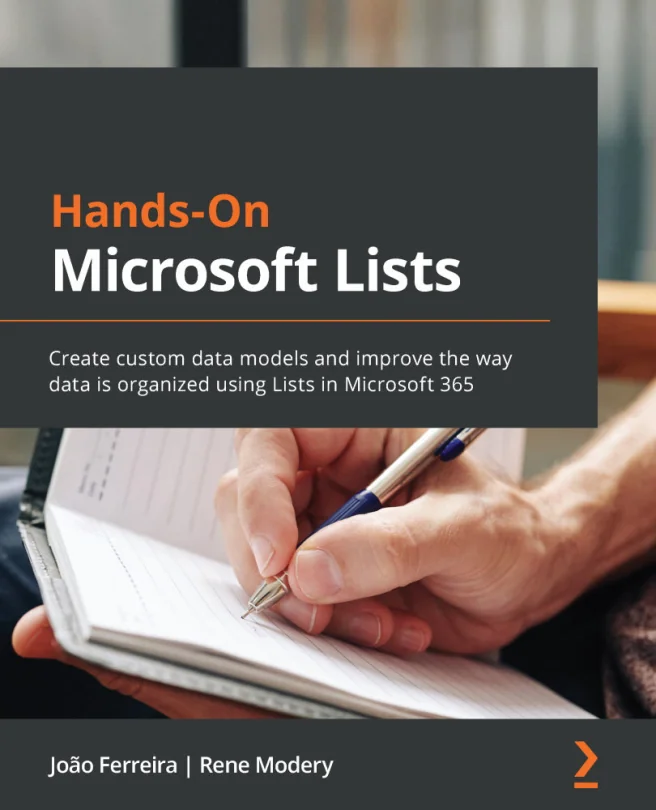
Hands-On Microsoft Lists
Create custom data models and improve the way data is organized using Lists in Microsoft 365
 RM
RMCreated by João Ferreira, Rene Modery
Learn how to organize and manage data more effectively using Microsoft Lists. Through practical projects and real-world examples, you'll discover how to create custom data models and streamline collaboration within your organization.
Packt | Jul 2021 | 356 min
What You Will Learn
You will start by exploring the core features of Microsoft Lists, then move on to customizing layouts and forms. As you progress, you'll tackle practical scenarios and integrate Lists with other Microsoft 365 tools. Step-by-step guidance and hands-on projects help reinforce each concept as you go.
Key Features
- Build and customize Microsoft Lists to fit your team's unique data needs
- Integrate Lists with Power Platform for automation and extended functionality
- Apply best practices to manage, share, and secure organizational information
Target Audience
Ideal for business professionals and end users who work with Microsoft 365, SharePoint, or Teams. If you already have a basic understanding of SharePoint and Excel and want to improve how your organization structures and manages data, this course will help you take your skills to the next level.