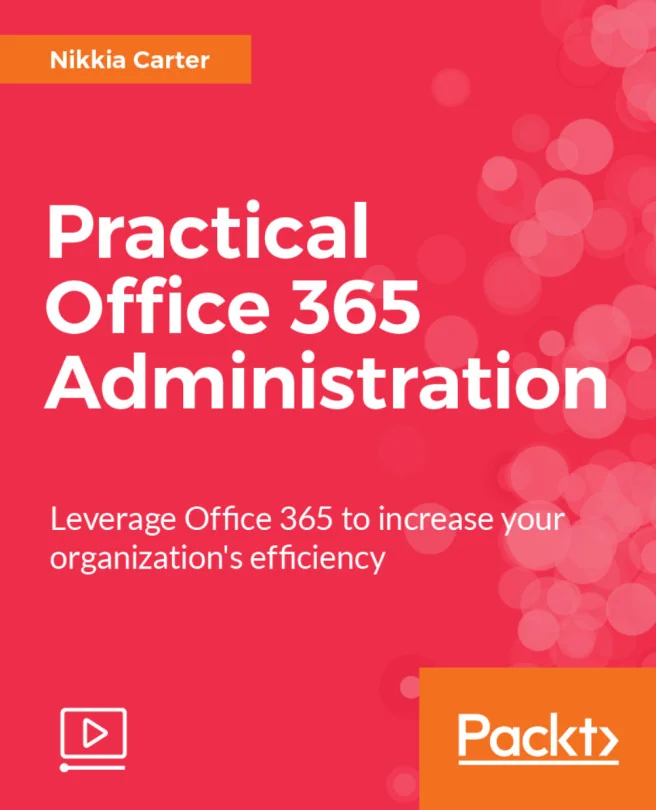
Practical Office 365 Administration
Leverage Office 365 to increase your organization's efficiency
Created by Nikkia Carter
Explore the essentials of Office 365 administration and learn how to manage your organization's users, data, and collaboration tools effectively. Gain hands-on experience with the main admin center and other key services like Exchange, SharePoint, and OneDrive. Build the confidence to streamline workflows and boost productivity across your team.
Packt | May 2017 | 171 min
What You Will Learn
You will work through real-world administrative tasks using Office 365's main admin center and related tools. Each section focuses on practical steps for managing users, domains, and services. By applying these techniques, you'll develop the skills needed to support and improve your organization's Office 365 environment.
Key Features
- Manage users, licenses, and subscriptions efficiently using the Office 365 admin center
- Configure and oversee Exchange, SharePoint, and OneDrive for Business settings with confidence
- Apply practical tips to optimize collaboration and security throughout your organization
Target Audience
Designed for IT professionals such as system administrators, engineers, and architects who already have some experience with Office 365 or Exchange. If you are responsible for configuring, implementing, or managing Office 365 and want to deepen your practical skills, this course will help you achieve your goals.