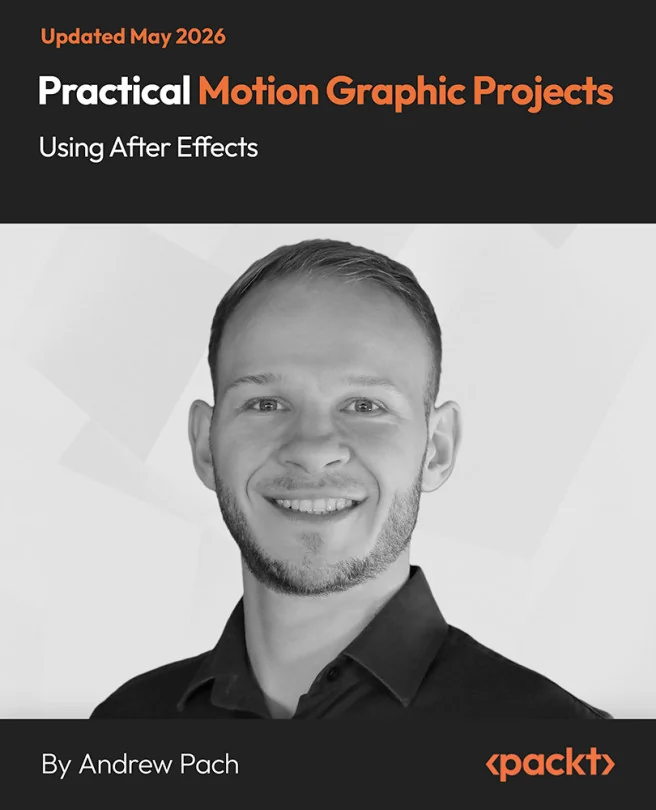
Practical Motion Graphic Projects Using After Effects
Hands-On Motion Graphics Projects for After Effects Mastery

Created by Andrew Pach
Get hands-on with motion graphics in After Effects by working through practical projects that build both creativity and technical skill. Start with simple animations and progress to dynamic motion elements and stylish title openers. Develop the confidence to create polished, professional motion designs from scratch.
Packt | May 2026 | 156 min
What You Will Learn
You will learn by doing, starting with basic animations and gradually moving to more complex designs. Each project introduces new techniques and creative concepts, helping you practice keyframing, effects, and workflow strategies. By applying these skills directly, you build a strong foundation in motion graphics.
Key Features
- Create dynamic circle bursts, accent graphics, and custom animated elements
- Master keyframing, effects, and layering for smooth, engaging motion
- Design and animate minimal title openers with precise text and border control
Target Audience
Perfect for graphic designers, video editors, and creative professionals who want to strengthen their motion graphics skills. If you have some familiarity with After Effects basics or are a motivated beginner eager to learn practical animation techniques, you'll find clear guidance and actionable steps to advance your abilities.
Related courses