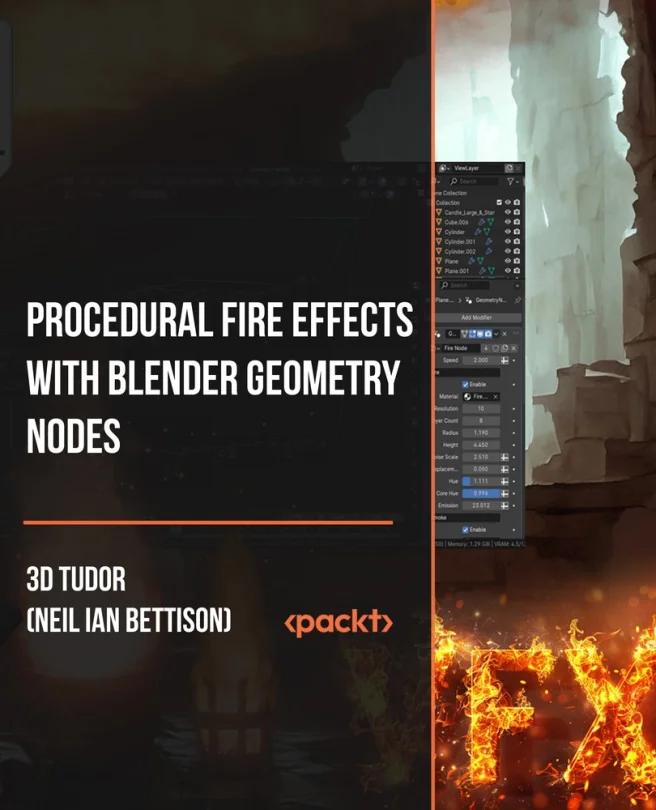
Procedural Fire Effects with Blender Geometry Nodes
Design animated procedural fire, smoke, candle, and magical flame effects in Blender
Explore how to create animated procedural fire, smoke, candle, and magical flame effects in Blender using Geometry Nodes. Learn to control shapes, motion, and shaders for dynamic visual results while building reusable setups for different scenes.
Packt | Jun 2026 | 293 min
What You Will Learn
You will start by mastering Blender's viewport and Geometry Nodes basics, then move on to shaping and animating fire with procedural logic. Each section builds on the last, guiding you through shader creation, layering effects, and adapting your setups for smoke, candles, and magical flames. By the end, you'll have practical workflows for creative VFX.
Key Features
- Shape and animate procedural fire, smoke, and magical flames using Geometry Nodes
- Design custom shaders and layered effects for realistic or stylized results
- Organize node groups for reusable, adaptable fire, candle, and fireplace setups
Target Audience
Perfect for Blender users, 3D artists, and effects enthusiasts who want more control over fire and smoke effects. If you have a basic understanding of Blender and want to expand your skills with procedural workflows, you'll find clear guidance and hands-on techniques to bring your ideas to life.