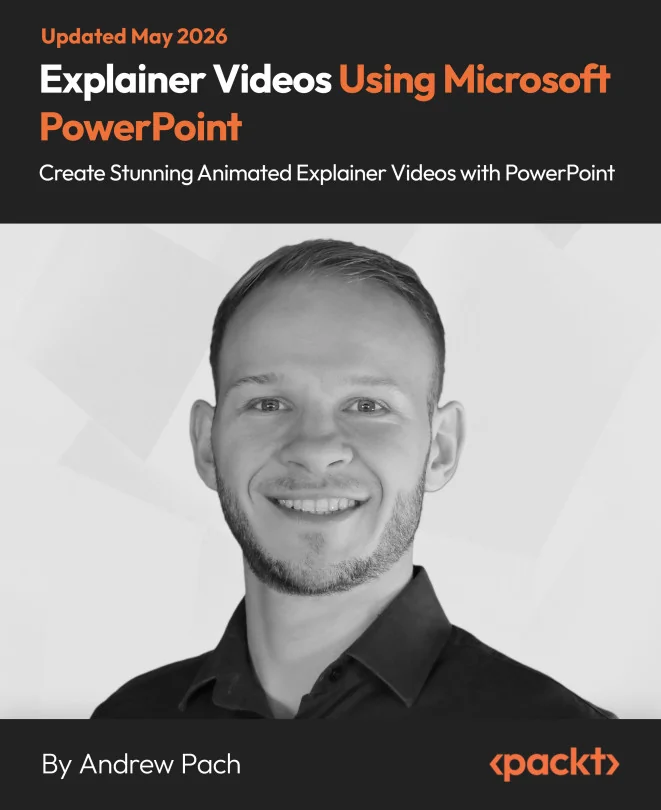
Explainer Videos Using Microsoft PowerPoint
Create Stunning Animated Explainer Videos with PowerPoint

Created by Andrew Pach
Discover how to create engaging animated explainer videos using Microsoft PowerPoint. You will learn to design both 2D and 3D scenes, import custom icons and fonts, and apply advanced animation techniques. By the end, you will be able to produce polished videos that capture attention and communicate ideas clearly.
Packt | May 2026 | 280 min
What You Will Learn
You will follow clear demonstrations and practice hands-on exercises to build your own animated scenes. Each step introduces new techniques, from importing resources to applying advanced motion and audio. Real-world projects, like product promos and character explainers, help you reinforce your skills and produce videos ready for any audience.
Key Features
- Design and animate 2D and 3D scenes using PowerPoint's creative tools
- Import icons, fonts, and vectors to build custom, professional visuals
- Apply advanced animations and MORPH transitions for smooth, dynamic effects
Target Audience
This is a great fit for marketers, educators, trainers, and business presenters who want to make their presentations stand out. If you have basic PowerPoint skills and want to add animation and motion graphics, you will find practical techniques here. No animation experience is needed, so beginners and creative professionals alike can benefit.
Related courses