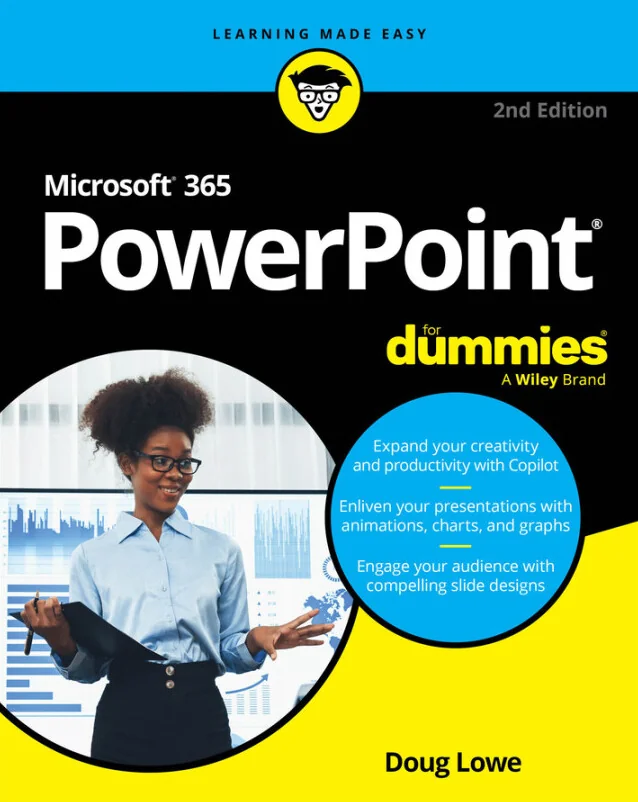
Microsoft 365 PowerPoint For Dummies
Master Slides, Copilot AI, and Design Secrets to Wow Every Audience
Created by Wiley and Sons, Doug Lowe
Discover how to create polished, engaging presentations with Microsoft 365 PowerPoint. Learn to navigate the interface, use AI tools like Copilot, and apply design techniques that capture attention. Build confidence as you move from basic slides to advanced features and real-world collaboration.
Wiley | May 2026 | 400 min
What You Will Learn
You will start by learning the essentials of PowerPoint, including how to work with slides, layouts, and media. As you progress, you will explore advanced features like animations, SmartArt, and AI-powered tools. Practical examples and clear explanations help you apply new skills right away, making your presentations more effective.
Key Features
- Quickly create and design slides that look professional and engaging
- Use Copilot AI to generate content and streamline your workflow
- Collaborate in real time and share presentations with ease
Target Audience
Perfect for business professionals, educators, and students who want to improve their presentation skills. If you are comfortable using a computer but new to PowerPoint or Microsoft 365, you will find step-by-step guidance to help you succeed. Those with some Microsoft 365 experience can deepen their skills and learn new ways to engage any audience.