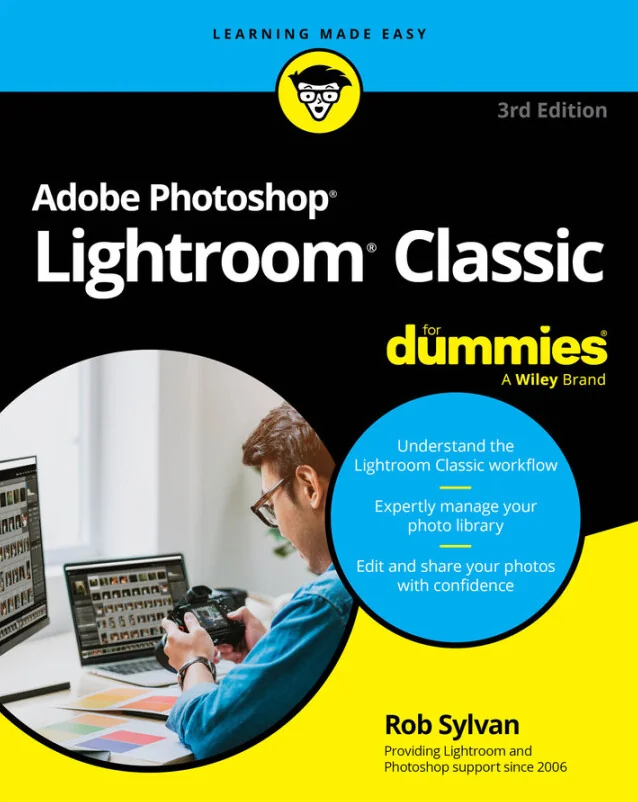
Adobe Photoshop Lightroom Classic For Dummies
A practical, beginner-friendly guide to organizing, editing, and sharing photos with confidence
Created by Wiley and Sons, Rob Sylvan
Get comfortable managing and editing your digital photos with practical guidance using Lightroom Classic. Discover how to organize large photo libraries, enhance images with powerful editing tools, and share your work confidently. Build a solid workflow that helps you create polished results every time.
Wiley | Mar 2026 | 384 min
What You Will Learn
You will start by exploring the Lightroom Classic interface and learning how to import and organize your photos. Step-by-step workflows guide you through editing techniques, from basic corrections to creative enhancements. Practical examples and clear explanations help you build skills as you move from organizing to sharing your finished images.
Key Features
- Organize and manage large photo libraries for efficient searching and sorting
- Apply non-destructive edits to improve exposure, color, and detail with confidence
- Export and share your finished images for print, web, or social media with ease
Target Audience
Perfect for beginner and intermediate photographers who want to streamline their photo management and editing process. Whether you are a hobbyist or a professional looking to improve your workflow, you will benefit from clear, actionable steps. No previous Lightroom experience is needed, but some familiarity with digital photos is helpful.