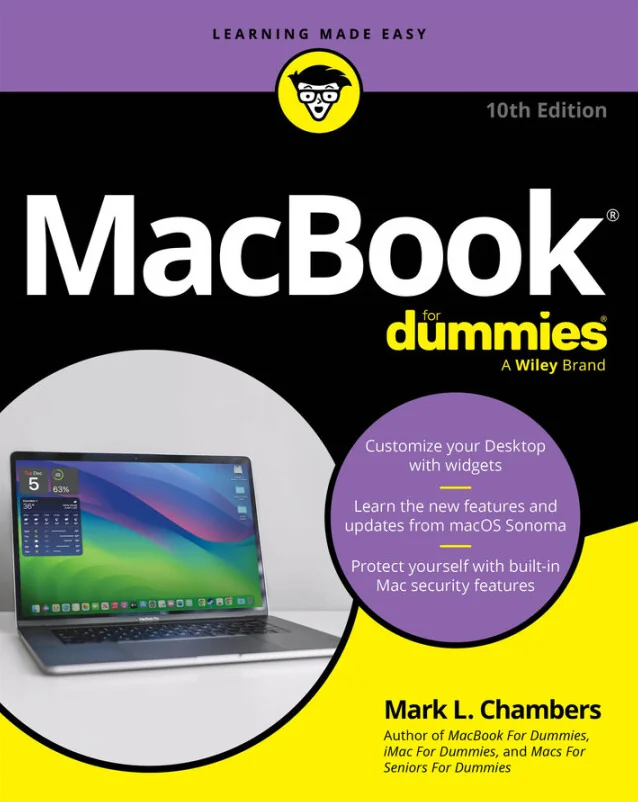
MacBook For Dummies
A Practical, Plain-English Guide to macOS Sonoma, Productivity, Media, and Everyday MacBook Use
Created by Wiley and Sons, Mark L. Chambers
Get comfortable with your MacBook and macOS Sonoma by learning how to set up, navigate, and personalize your device. Discover how to use built-in apps, manage files, and stay productive while keeping your system secure. Explore creative tools and learn simple ways to maintain your MacBook for everyday reliability.
Wiley | Apr 2026 | 432 min
What You Will Learn
You will start by exploring the basics of MacBook hardware and macOS Sonoma, then move on to customizing settings and using essential apps. Step-by-step guidance helps you manage files, connect to networks, and use cloud features. Real-world examples make it easy to create documents, organize media, and keep your MacBook in top shape.
Key Features
- Set up and personalize your MacBook for smooth, everyday use
- Navigate macOS Sonoma and use built-in apps to stay organized and productive
- Learn practical tips for troubleshooting and keeping your MacBook running smoothly
Target Audience
Perfect for new MacBook owners or anyone switching to macOS Sonoma, especially if you want clear, jargon-free guidance. If you know how to use a keyboard and mouse but feel unsure about Apple devices, you will gain confidence and practical skills for work, school, or personal projects.