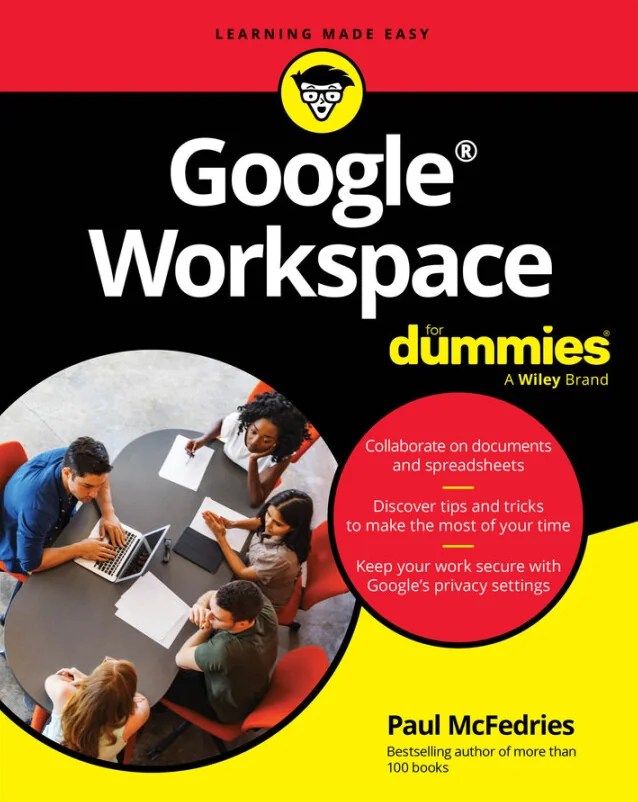
Google Workspace For Dummies
Master Google's Cloud Apps to Communicate, Collaborate, and Stay Organized
Created by Wiley and Sons, Paul McFedries
Get comfortable with Gmail, Docs, Sheets, and Meet while learning how to communicate and collaborate more effectively. Discover how to organize your workflow and boost productivity using Google's suite of cloud-based tools. No prior experience is needed to start making the most of these powerful apps.
Wiley | Apr 2026 | 464 min
What You Will Learn
You'll start by exploring the basics of each Google Workspace app and gradually build confidence with hands-on practice. Step-by-step guidance helps you create documents, manage calendars, and work with teams. Along the way, you'll discover tips for using AI features and customizing your workspace for greater efficiency.
Key Features
- Set up and use Gmail, Docs, Sheets, and Meet for daily tasks and projects
- Collaborate in real time with shared files, chat, and video meetings
- Apply AI-powered features to streamline editing and presentations
Target Audience
Perfect for professionals, remote workers, students, educators, and small business users who want to get more done with Google Workspace. If you have basic internet and computer skills but are new to these apps, you'll find clear explanations and practical examples to help you reach your goals.