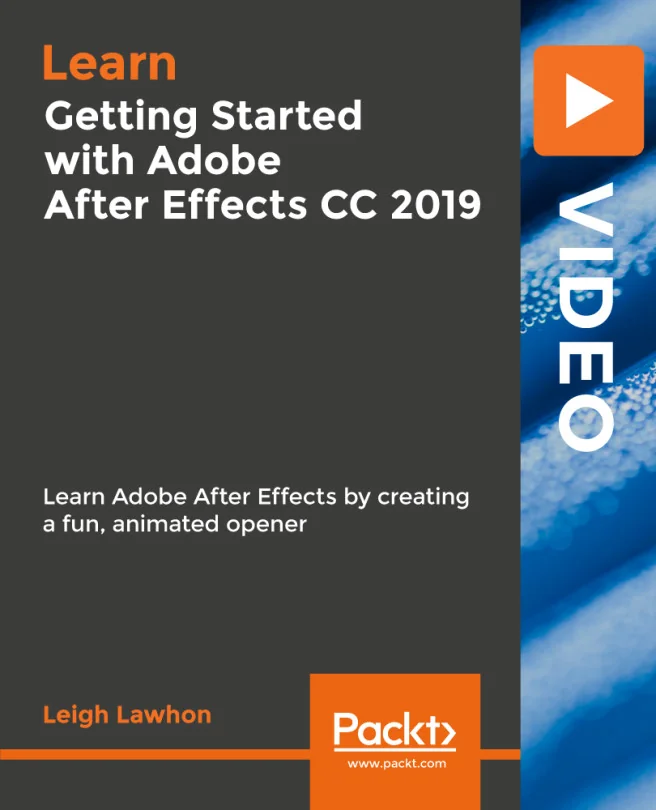
Getting Started with Adobe After Effects CC 2019
Learn Adobe After Effects by creating a fun, animated opener

Created by Leigh Lawhon
Explore the essentials of Adobe After Effects by creating an animated opener from scratch. Get comfortable with the interface, animation principles, and core tools while building a professional intro for a comic book series. Gain practical skills to produce engaging motion graphics and visual effects.
Packt | Jan 2020 | 92 min
What You Will Learn
You will start by getting familiar with the After Effects workspace, then quickly move into hands-on projects. Each step guides you through building dynamic animations, applying effects, and refining your work with industry techniques. By the end, you will have created a complete animated intro and gained a solid foundation in motion graphics.
Key Features
- Animate objects, text, and graphics for eye-catching video projects
- Apply professional techniques like color correction and typography
- Master key After Effects tools to create polished, shareable animations
Target Audience
Ideal for aspiring video editors, hobbyists, or anyone curious about motion graphics. No prior After Effects experience is needed, just an interest in video and a willingness to learn. If you want to turn creative ideas into professional-looking animations, you will find practical guidance and clear steps here.
Related courses