





Comparisons
ExpertEdge vs Udemy Business for enterprise learning
A side-by-side of Udemy Business and ExpertEdge for enterprise learning content: what each does well, where each falls short, and how to choose.

Oli Huggins
CEO and Founder
For graphic designers
Courses on the software you open every day, taught by designers and illustrators who work in it. One subscription, from $10 a month.
Free for 7 days. Valid card required. Cancel anytime.
Sound familiar?
We date every course, so you can check the edition before you press play.
Menus and buttons are not in the same place on the screen he is sharing
Who's teaching?
Read who made a course before you start it. The four here have more than 60 years of client work between them.

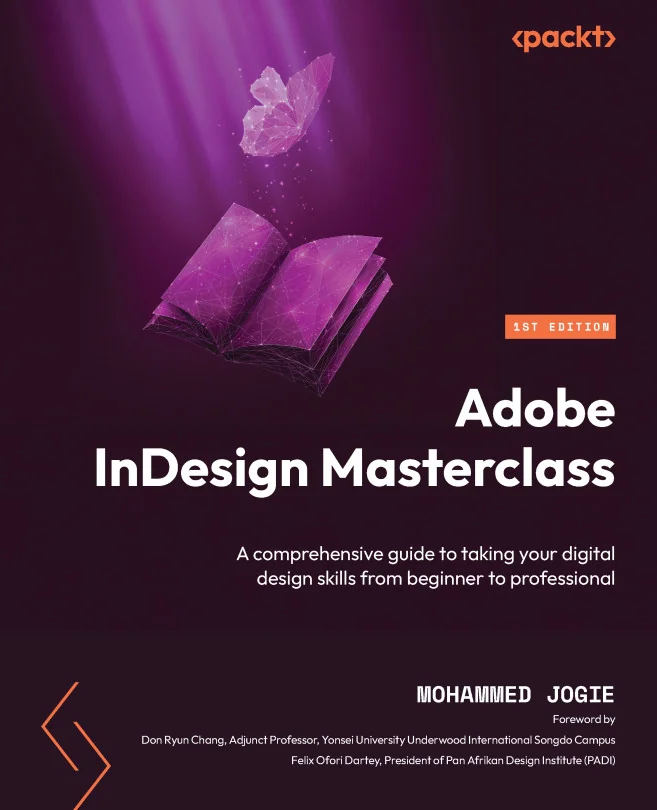
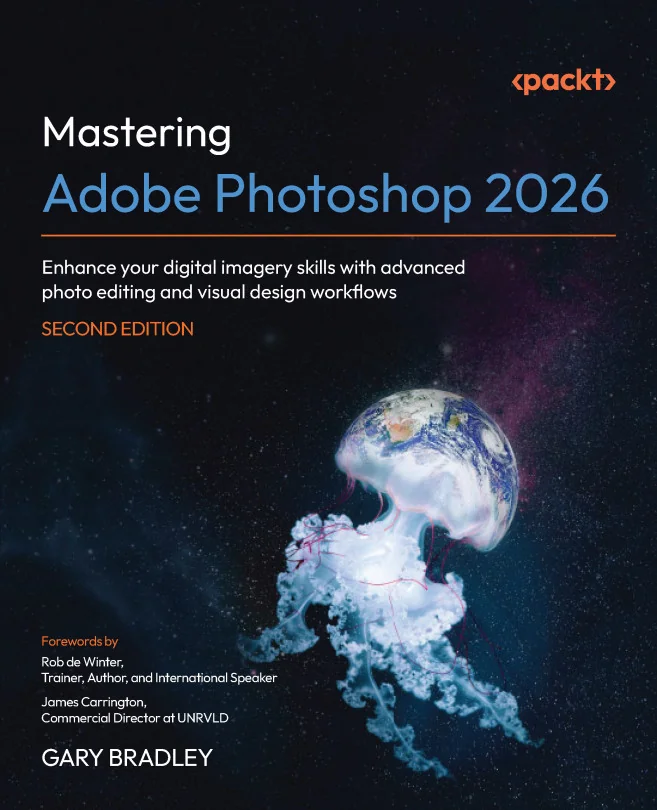
An Adobe Certified Expert with 25 years in print and web design. His course is the 2026 edition.

A design strategist and teacher. His course runs from your first frame to a file ready for print.

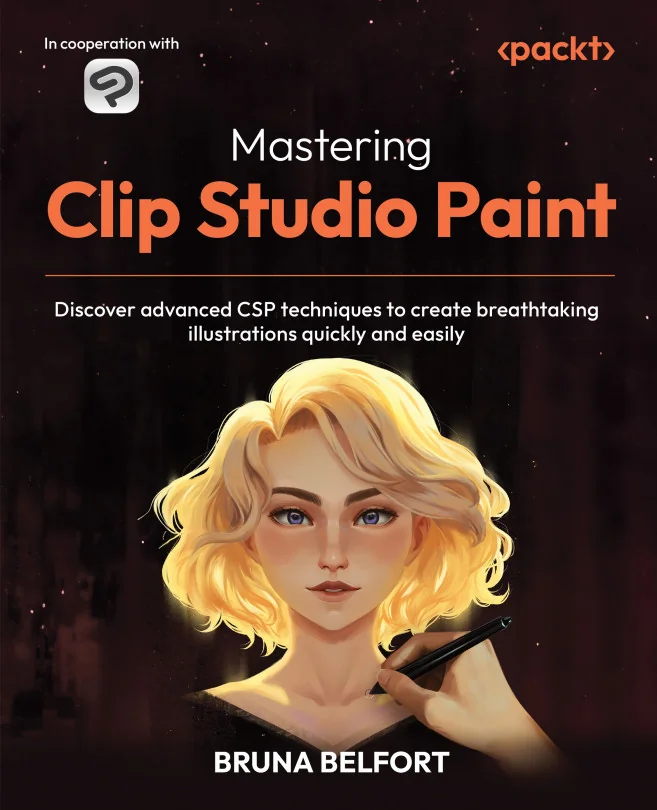
Fifteen years of character illustration for publishers. Her course is for artists past the basics.

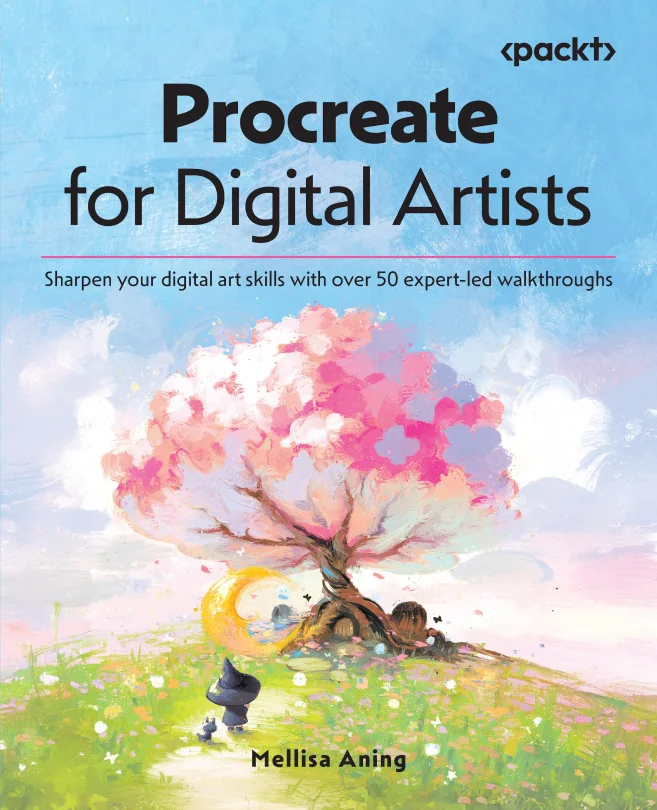
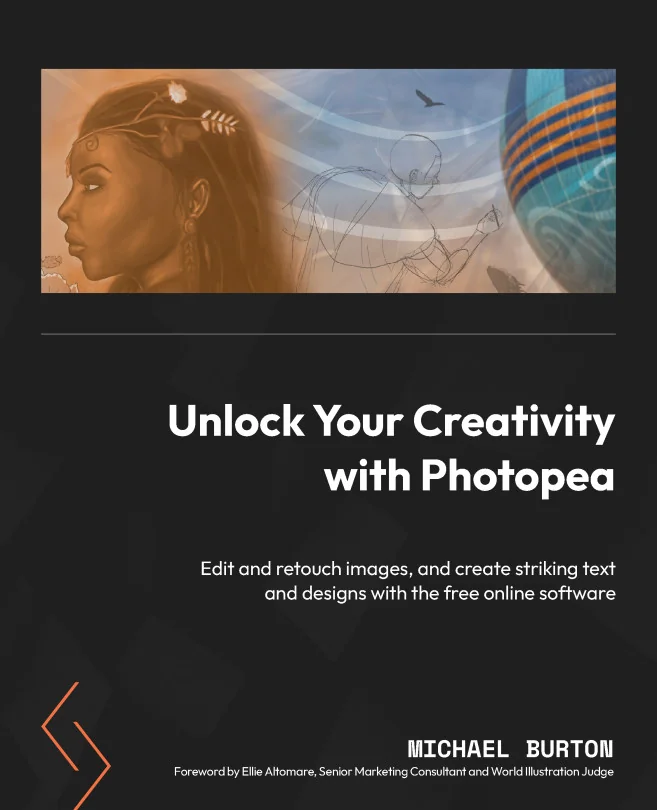
A branding and apparel designer since 2000. He teaches Photopea, the free editor in your browser.
And the next round?
You already know what every note needs. Our experts wrote the chapter on making each change in the software.
Dana ReyesMarketing lead · 09:12
Can we lose the background behind the bottle?
Dana ReyesMarketing lead · 09:14
Could you try a few AI backgrounds before we book a shoot?
Dana ReyesMarketing lead · 09:20
Our social team wants to make the square posts in Canva.
Dana ReyesMarketing lead · 09:31
The printer needs the file with bleed by Thursday.
What did I skip?
Set Graphic Designer as your target role. The app lists every skill the job asks for, with the courses that earn each one.
I tried to self-teach for 2 years but just didn't know what I didn't know
By design
Take your layouts to designers you trust. The courses cover the tools behind them.
Learn the tool the next brief needs before kickoff. No class timetable to keep.
Search the effect you're after. Land on the course that builds it.
The next brief will name a tool you've never opened. Learn it before the kickoff call.
One price, everything included
Billed monthly
$15per month
Everything, month to month. Cancel anytime.
What's included
Billed yearly ($120)
$10per month
Everything for a third less, paid once a year.
What's included
No setup fees, no minimum seats. Invoicing available on plans of 20+ seats or more.
Comparing options? Read how ExpertEdge stacks up against Udemy Business, LinkedIn Learning, Coursera and edX in our comparisons
Our blog
Still not convinced ExpertEdge is the right fit for you? Review some of our thinking on enterprise learning, content strategy and more. See if we align via the full blog.
A side-by-side of Udemy Business and ExpertEdge for enterprise learning content: what each does well, where each falls short, and how to choose.
Oli Huggins
CEO and Founder
Enterprise L&D teams have approached content procurement the wrong way for a decade. What a mature B2B learning content stack looks like, and the layers most enterprises are missing.
Oli Huggins
CEO and Founder
A side-by-side of Coursera, edX and ExpertEdge for enterprise learning content: what each does well, where each falls short, and how to choose.
Oli Huggins
CEO and Founder