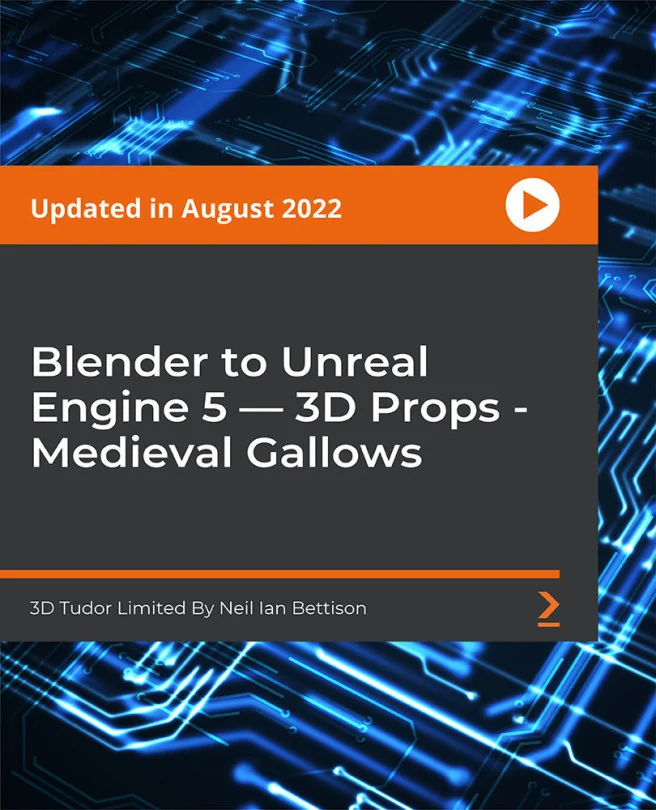
Blender to Unreal Engine 5 — 3D Props - Medieval Gallows
Learn how to create a triple AAA quality medieval gallows model with Blender and import it to Unreal Engine 5
Created by 3D Tudor Limited By Neil Ian Bettison
Explore the process of designing a detailed medieval gallows prop using Blender and bring it into Unreal Engine 5. You'll create realistic wooden structures, add animated elements, and enhance your asset with advanced texturing and lighting techniques. By the end, you'll have a game-ready model suitable for your portfolio or projects.
Packt | Aug 2022 | 414 min
What You Will Learn
You'll follow a step-by-step workflow, starting with modeling and rigging in Blender, then adding textures and materials for realism. Animation techniques will bring your prop to life, and you'll learn to optimize lighting for atmosphere. Finally, you'll import your asset into Unreal Engine 5, ensuring it works seamlessly in a game environment.
Key Features
- Model and animate a realistic medieval gallows with collapsible features
- Master UV mapping, texturing, and lighting for AAA-quality 3D assets
- Import and set up animated props in Unreal Engine 5 for real-time rendering
Target Audience
Ideal for intermediate 3D artists or game developers who are comfortable with Blender basics and want to advance their skills. If you're aiming to create polished, animated props for games or your portfolio and want to integrate them into Unreal Engine 5, this course is tailored for you.