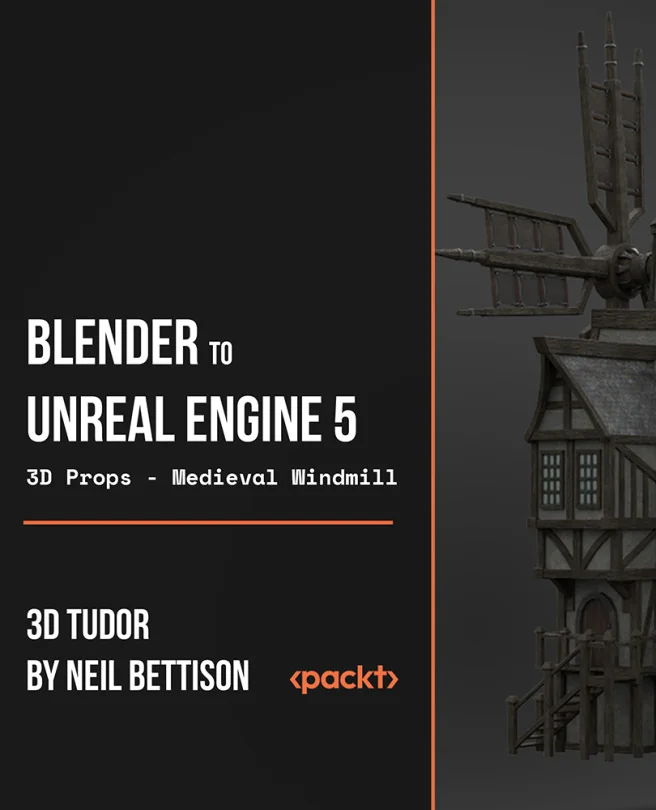
Blender to Unreal Engine 5 - 3D Props - Medieval Windmill
Complete guide to learning how to create AAA game assets in Blender and then export to Unreal Engine 5
Created by 3D Tudor Limited By Neil Ian Bettison
Learn how to create a detailed 3D medieval windmill using Blender and bring it to life in Unreal Engine 5. You'll design realistic components, animate moving parts, and master exporting assets for real-time rendering. By the end, you'll have a game-ready windmill asset for your portfolio or projects.
Packt | Aug 2022 | 1257 min
What You Will Learn
You will start by modeling each part of the windmill in Blender, learning techniques for structure and detail. Next, you'll animate key components and fine-tune materials and lighting for realism. Finally, you'll export your creation to Unreal Engine 5, ensuring your asset works seamlessly in a game environment.
Key Features
- Model a complex medieval windmill with realistic details in Blender
- Animate moving parts like windmill arms and waterwheels for added realism
- Export and set up your 3D asset in Unreal Engine 5 for real-time use
Target Audience
Perfect for beginner to intermediate 3D artists and game asset creators who want to expand their skills in Blender and Unreal Engine 5. If you're aiming to build professional, animated props for games or your portfolio, and have some basic modeling experience, this course will help you reach your goals.