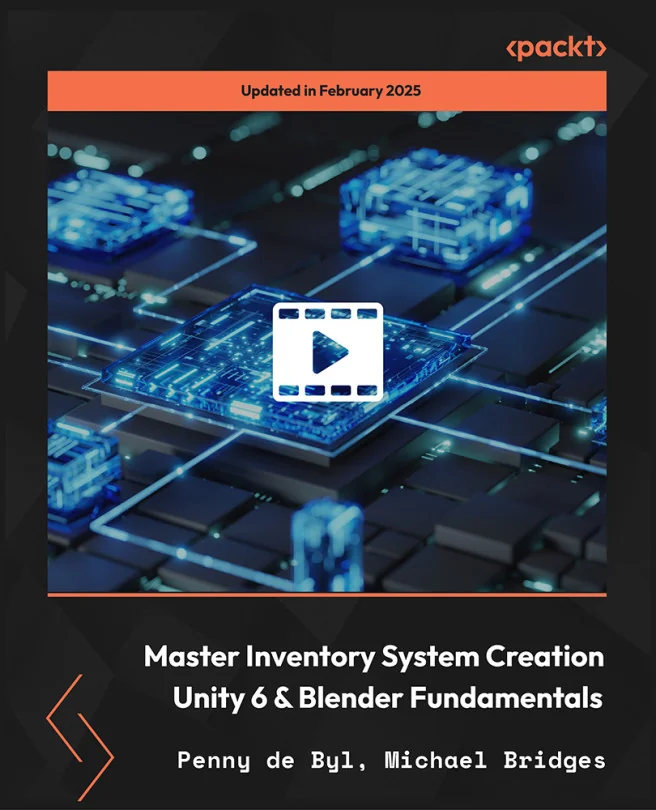
Master Inventory System Creation - Unity 6 & Blender Fundamentals
Master Game Inventory Systems with Unity and Blender 3D Asset Creation
 PB
PBCreated by Michael Bridges, Penny de Byl
Explore how to build a fully interactive inventory system in Unity while creating custom 3D assets in Blender. You will learn to manage items, design intuitive interfaces, and bring your assets into a real game environment. By the end, you will have practical skills for both coding and asset integration.
Packt | Feb 2025 | 949 min
What You Will Learn
You will start by building inventory logic and UI in Unity using C#. Next, you will design and export custom 3D assets in Blender, then integrate them into your Unity project. Each step combines hands-on coding, asset creation, and interface design, giving you a well-rounded workflow for game development.
Key Features
- Develop a robust inventory system using C# and Unity UI tools
- Model and texture game-ready 3D items in Blender for seamless Unity import
- Integrate interactive UI features like drag-and-drop and real-time updates
Target Audience
Perfect for Unity and Blender users with some experience who want to level up their game development skills. If you are a programmer, designer, or 3D artist aiming to manage game inventories and integrate custom assets, you will find clear, actionable guidance to reach your goals.