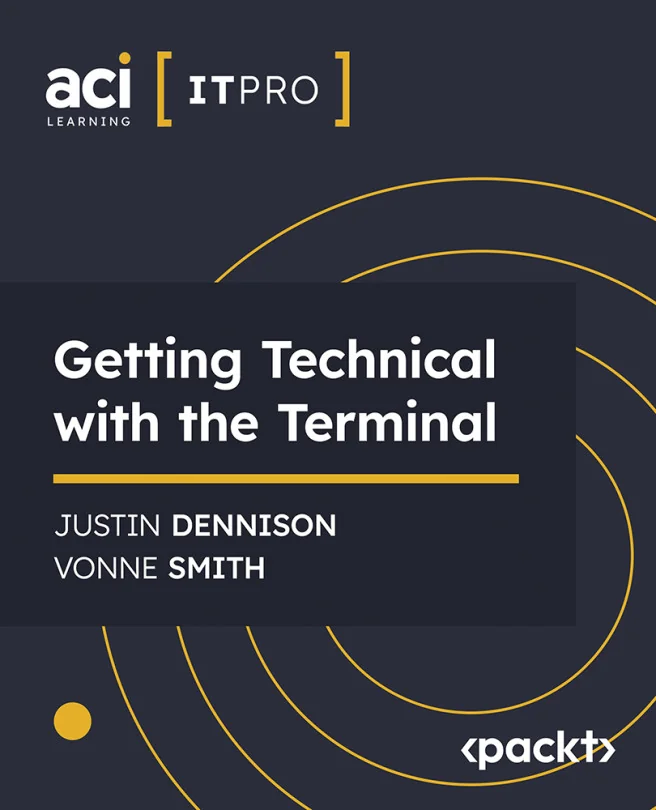
Getting Technical with the Terminal
Mastering the Command-Line Interface: From Basics to Proficiency
Created by ACI Learning, Vonne Smith, Justin Dennison
Explore the essentials of the command-line interface and learn how to navigate your system efficiently. Discover how to customize your terminal environment and manage files with confidence. Guided by experts, you'll build practical skills to boost your productivity and technical know-how.
ACI | Jun 2024 | 98 min
What You Will Learn
You'll follow a hands-on path, starting with the basics and moving toward more advanced techniques. Guided by clear explanations and practical demonstrations, you'll practice each new skill as you go. By the end, you'll feel comfortable using the terminal for everyday tasks and project management.
Key Features
- Navigate and customize the terminal environment for a smoother workflow
- Manage files and folders directly from the command line with confidence
- Apply expert tips to streamline tasks and increase your overall productivity
Target Audience
Perfect for beginners and technical professionals looking to build or refresh their command-line skills. If you have a basic understanding of computers and want to work more efficiently, you'll find practical value and actionable techniques to help you reach your goals.
Related courses