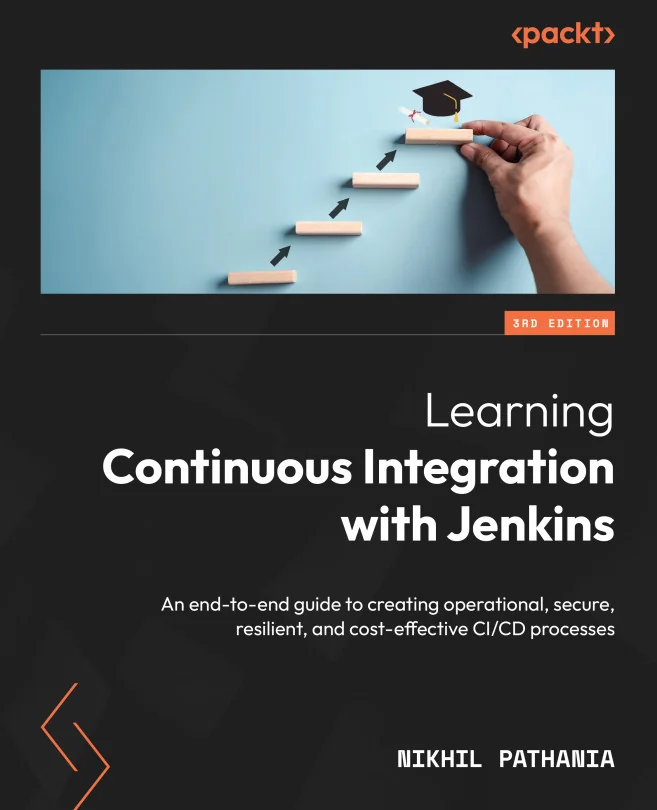
Learning Continuous Integration with Jenkins
An end-to-end guide to creating operational, secure, resilient, and cost-effective CI/CD processes
Created by Nikhil Pathania
Gain practical skills in building and managing secure, scalable CI/CD pipelines using Jenkins. Explore real-world integrations with cloud platforms, GitHub, SonarQube, and Artifactory, plus learn how to enhance your pipeline code using AI tools. Develop a strong foundation in modern DevOps practices for continuous integration and deployment.
Packt | Jan 2024 | 396 min
What You Will Learn
You will work through hands-on examples that show how to set up Jenkins in the cloud, connect it with essential DevOps tools, and build robust pipelines. Step-by-step guidance helps you master pipeline coding, security, and scalability. By applying these techniques, you will confidently design and manage production-ready CI/CD workflows.
Key Features
- Set up and configure Jenkins for cloud-based CI/CD pipelines with best practices
- Integrate Jenkins with GitHub, SonarQube, and Artifactory to automate testing and deployment
- Leverage AI tools like ChatGPT to write and optimize pipeline code efficiently
Target Audience
Ideal for developers, DevOps engineers, testers, and project managers with some CI/CD or Jenkins experience who want to deepen their skills. If you aim to streamline software delivery, improve security, or scale pipelines in the cloud, you will find actionable strategies and practical insights to advance your projects.
Related courses