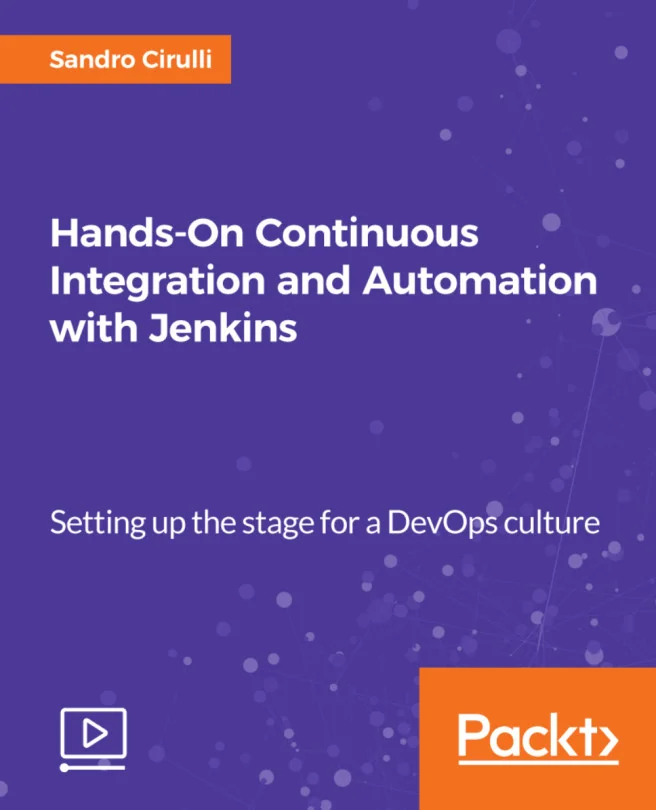
Hands-On Continuous Integration and Automation with Jenkins
Setting up the stage for a DevOps culture
Created by Sandro Cirulli
Get practical experience setting up Jenkins for continuous integration and automation. Learn how to connect code repositories, build pipelines, and automate deployments to cloud platforms. Gain the skills needed to streamline development and boost productivity in a DevOps environment.
Packt | May 2018 | 259 min
What You Will Learn
You will start by installing Jenkins and its dependencies, then move on to connecting code repositories and building automated pipelines. Through hands-on exercises, you will practice creating, configuring, and running builds, as well as deploying applications to the cloud. Each step builds your confidence and skill with real-world scenarios.
Key Features
- Set up Jenkins and configure pipelines for continuous integration and delivery
- Integrate code repositories and automate builds, tests, and deployments
- Deploy applications automatically to cloud platforms like AWS
Target Audience
Ideal for beginners or those new to Jenkins who have a basic understanding of continuous integration. If you want to quickly gain hands-on experience and confidently set up automated pipelines and deployments, this content is designed for you. Perfect for developers or DevOps newcomers looking to enhance their workflow.