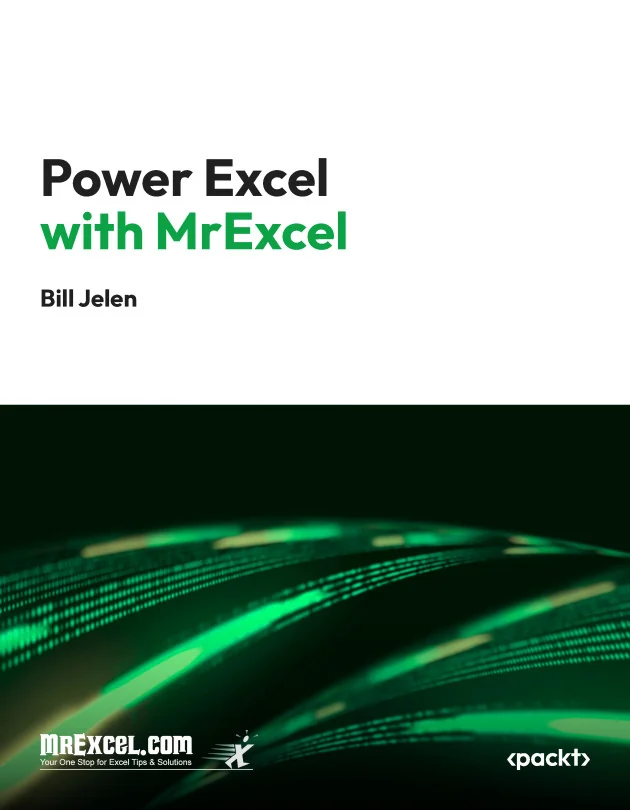
Power Excel with MrExcel
Master Pivot Tables, Subtotals, VLOOKUP, Power Query, Dynamic Arrays & Data Analysis
Created by Bill Jelen
Explore the full potential of Excel 2019 and Office 365 with practical techniques for data analysis, automation, and reporting. Learn to tackle real-world challenges using advanced features and time-saving strategies. Gain the confidence to handle complex tasks and present your data with clarity.
Holy Macro Books | 611 min
What You Will Learn
You will work through real-world scenarios and hands-on exercises that mirror common workplace tasks. Each section introduces new tools and techniques, then guides you through applying them to solve practical problems. Along the way, you'll pick up expert tips, avoid common mistakes, and learn alternative strategies for tackling Excel challenges.
Key Features
- Master Pivot Tables, VLOOKUP, Power Query, and dynamic arrays for smarter analysis
- Transform messy data into clear insights using advanced wrangling and calculation tools
- Create professional spreadsheets that communicate results and speed up your workflow
Target Audience
This course is ideal for professionals who already use Excel and want to deepen their skills with Excel 2019 or Office 365. If you're comfortable with basic formulas and navigation but want to work faster, analyze data more effectively, and create better reports, you'll find these techniques immediately useful.