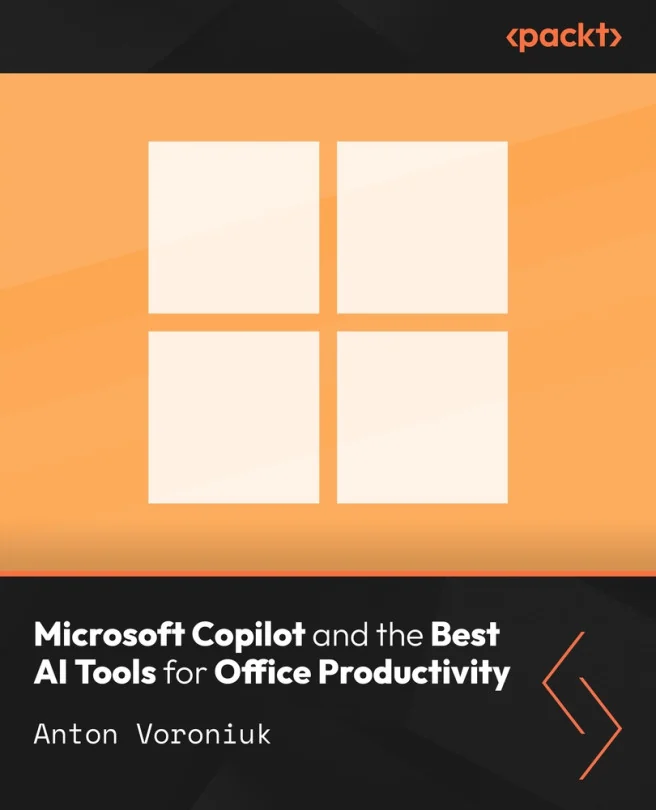
Microsoft Copilot and the Best AI Tools for Office Productivity
Work faster across email, data, documents, research, and presentations

Created by Anton Voroniuk
Discover how to use Microsoft Copilot and top AI tools to boost your productivity at work. Learn practical skills for handling email, meetings, data, research, documents, and presentations with greater speed and accuracy. Build confidence in choosing the right AI platform for each task while keeping your information secure.
Packt | Oct 2026 | 105 min
What You Will Learn
You will start with real workplace scenarios that introduce effective prompting, then move into hands-on demonstrations with each AI tool. As you progress, you'll see how to apply these platforms to common office tasks, from quick productivity wins to more advanced automation and secure information handling. Each section builds practical skills you can use right away.
Key Features
- Master structured prompting and workflows for Copilot, ChatGPT, Gemini, and more
- Streamline email, meetings, data analysis, and document creation using AI tools
- Apply best practices for secure and responsible use of AI in your daily work
Target Audience
This course is designed for office professionals, managers, analysts, administrators, marketers, researchers, and business teams who want to use AI to work smarter. If you're comfortable with standard office software and want to improve productivity, communication, and data handling using AI-without needing advanced technical skills-this course is for you.