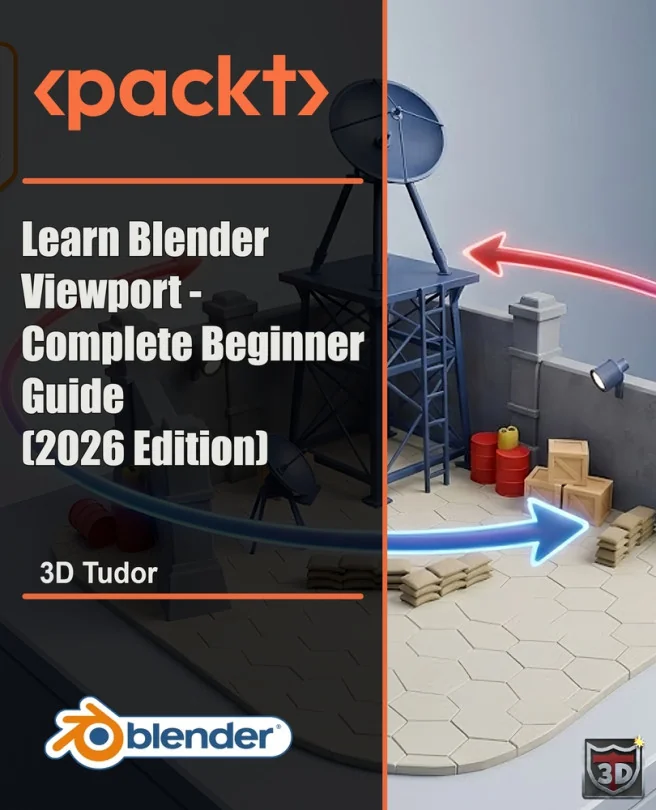
Learn Blender Viewport - Complete Beginner Guide (2026 Edition)
Navigate, frame, and inspect Blender scenes with faster viewport control
Created by Neil Ian Bettison
Master the essentials of Blender viewport navigation and gain the confidence to move through scenes with ease. Learn practical controls and shortcuts that make inspecting, framing, and judging scale in your 3D projects faster and more intuitive. Build a strong foundation for all your future Blender work.
Packt | Jul 2026 | 63 min
What You Will Learn
You will start with the basics of viewport orientation and gradually explore more advanced navigation tools. Each section introduces a new control or shortcut, showing you how to apply it directly while modeling or reviewing scenes. By practicing these habits, you will develop smoother, more efficient movement and inspection skills.
Key Features
- Quickly move through scenes using gizmos, mouse shortcuts, and numpad controls
- Practice first-person navigation with Walk, Fly, and gravity settings for better inspection
- Set up comfortable input options for laptops, tablets, and 3D navigation devices
Target Audience
Perfect for Blender beginners, self-taught creators, and 3D modeling students who want to feel more at home in the viewport. If you use a laptop, tablet, or alternative input devices, you will find practical tips to make navigation easier. Ideal for anyone looking to build confidence and speed in scene inspection and layout.