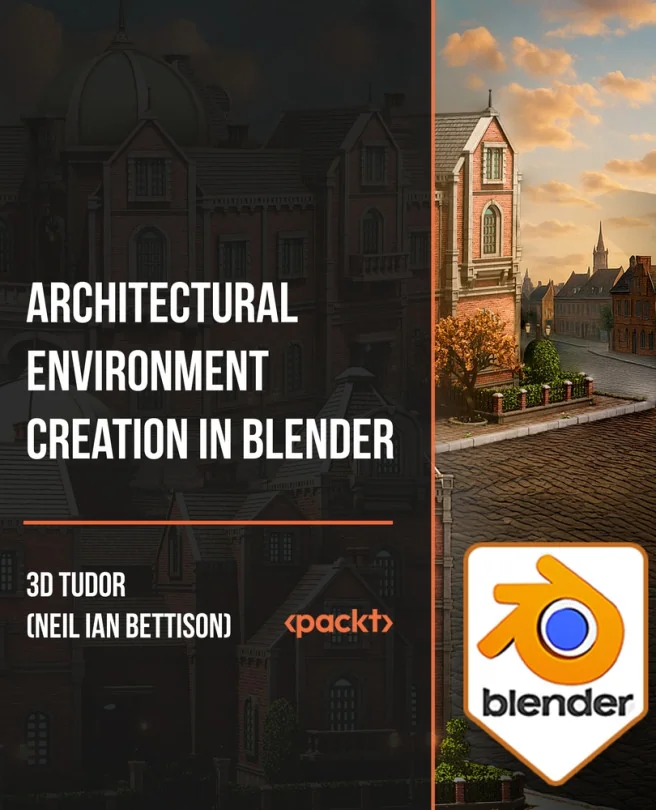
Architectural Environment Creation in Blender
Model, texture, organize, light, and render a classical architectural diorama in Blender
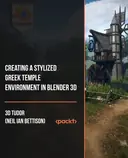
Explore the full process of building a classical architectural diorama in Blender. You will move from planning and references to modular modeling, texturing, lighting, and final rendering. Gain practical experience with scene organization and asset management while creating a polished, stylized environment.
Packt | Jun 2026 | 2428 min
What You Will Learn
You will follow a step-by-step workflow that starts with gathering references and planning the scene. As you progress, you will build modular assets, set up UVs and materials, and use procedural tools like Geometry Nodes. The final sections focus on lighting, rendering, and presenting your finished diorama.
Key Features
- Plan and block out architectural scenes using references and modular workflows
- Model, texture, and organize reusable assets for detailed environments
- Light, render, and present polished scenes with effective materials and composition
Target Audience
This course is ideal for beginner to intermediate Blender users, 3D artists, and environment designers who want to create stylized architectural scenes. If you are looking to improve your modeling, texturing, and scene organization skills for portfolios or game art, you will find practical guidance and clear workflows here.