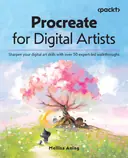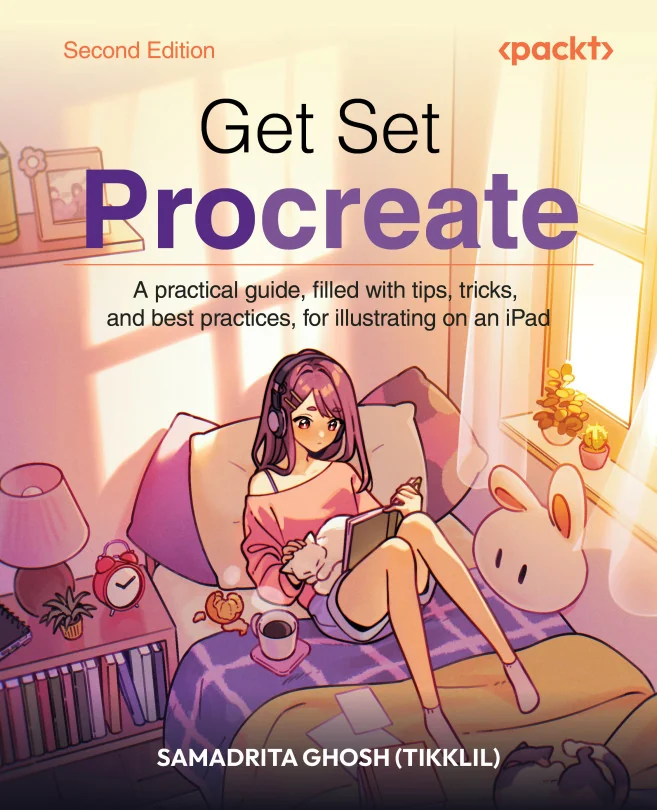
Get Set Procreate
A practical guide, filled with tips, tricks, and best practices, for illustrating on an iPad

Created by Samadrita Ghosh
Explore the creative power of Procreate on your iPad with practical guidance and real-world examples. Learn how to use essential tools, master advanced features, and bring your digital illustrations to life with confidence. Build skills that help you create polished artwork from start to finish.
Packt | Aug 2026 | 522 min
What You Will Learn
You will follow clear, step-by-step instructions and practical demonstrations that show how each tool works in real projects. As you progress, you'll experiment with hands-on techniques, explore creative shortcuts, and apply what you learn to your own digital illustrations. Each section builds your confidence and skill with Procreate.
Key Features
- Set up canvases, organize layers, and use brushes for professional results
- Customize brushes, use assisted drawing tools, and speed up your workflow
- Create animations, multi-page art, and paint directly on 3D models with Procreate
Target Audience
Perfect for iPad users who want to create professional digital art, whether you are new to Procreate or an experienced illustrator looking to expand your skills. If you want to confidently use Procreate's features and develop polished artwork, you'll find practical value and inspiration throughout the course.