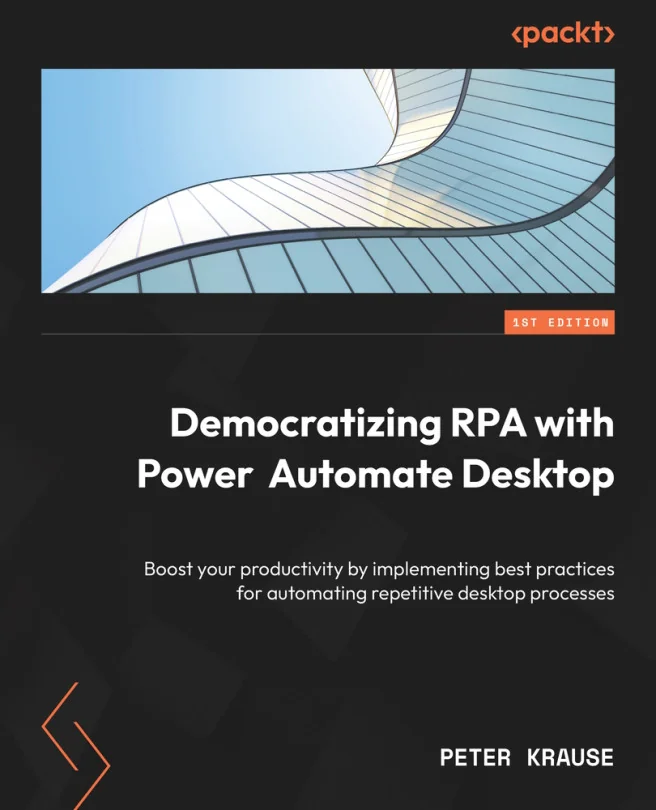
Democratizing RPA with Power Automate Desktop
Boost your productivity by implementing best practices for automating repetitive desktop processes
Created by Peter Krause
Discover how to use Power Automate Desktop to streamline repetitive desktop tasks and free up your time for more valuable work. Learn to automate processes across Office programs, SAP GUI, and even mainframe terminals. Explore how AI can enhance your workflows and make automation accessible, no coding required.
Packt | Apr 2023 | 308 min
What You Will Learn
You will start by exploring the basics of Power Automate Desktop and gradually move to more advanced features. Each concept is introduced with practical, hands-on examples so you can immediately apply what you learn. By building and refining flows, you'll gain confidence and see real improvements in your daily productivity.
Key Features
- Automate repetitive tasks in Office, SAP GUI, and mainframe terminals with ease
- Integrate AI and cloud services to create smarter, more efficient workflows
- Debug, manage, and run unattended flows for seamless desktop automation
Target Audience
Ideal for business users, citizen developers, and tech-savvy home users who want to automate routine desktop tasks. No programming experience is needed, but a basic understanding of IT concepts will help with advanced topics. If you're looking to boost productivity and simplify your workflow, you'll find practical value here.