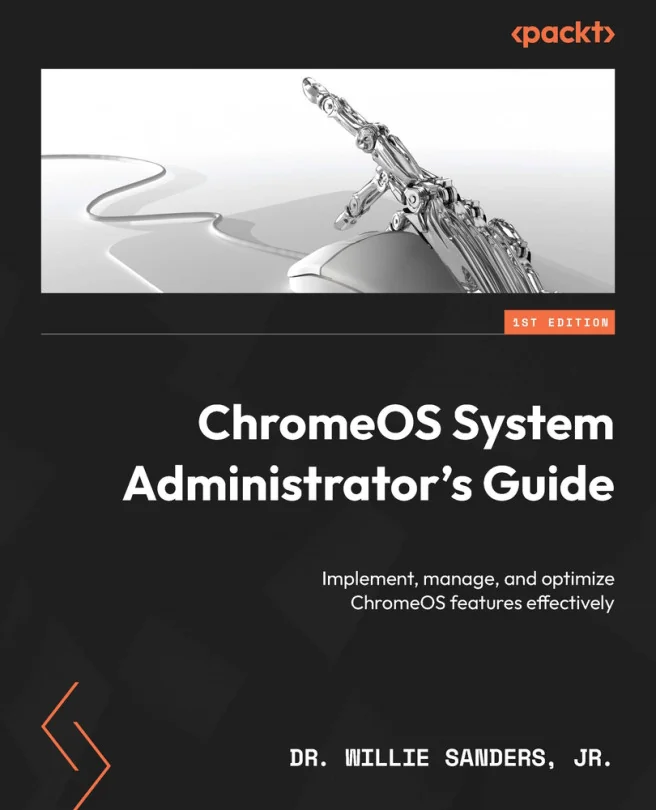
ChromeOS System Administrator's Guide
Implement, manage, and optimize ChromeOS features effectively
Created by Willie Sanders Jr.
Explore the full potential of ChromeOS as a system administrator and learn how to manage, secure, and optimize devices in a professional environment. Gain practical experience with ChromeOS tools and administration techniques that help you streamline workflows and support users effectively.
Packt | Feb 2023 | 262 min
What You Will Learn
You will start by getting comfortable with the ChromeOS environment and gradually move into hands-on administration tasks. Through practical activities and real-world scenarios, you will learn how to manage devices, secure systems, and use advanced tools to support users. Each step builds your confidence and prepares you for real workplace challenges.
Key Features
- Set up, configure, and manage ChromeOS devices for individual or enterprise use
- Implement security measures and troubleshoot common issues with confidence
- Leverage Google Workspace Admin Console for efficient resource management
Target Audience
Ideal for IT professionals, system administrators, or developers with some experience in system administration who want to expand their expertise to ChromeOS. If you are looking to manage ChromeOS devices, enhance security, and streamline enterprise operations, this course will help you reach your goals.
Related courses