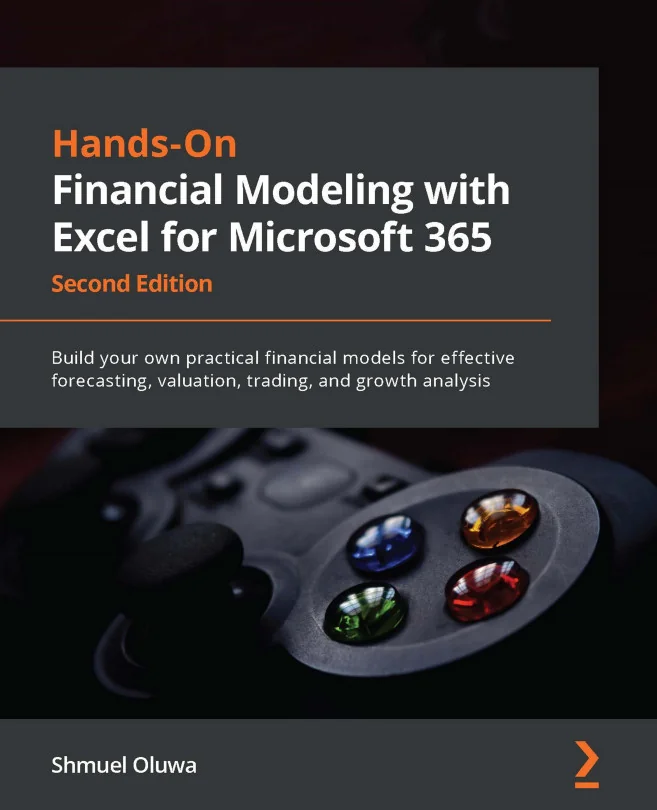
Hands-On Financial Modeling with Excel for Microsoft 365
Build your own practical financial models for effective forecasting, valuation, trading, and growth analysis

Created by Shmuel Oluwa
Gain practical experience building financial models using Excel for Microsoft 365. Learn how to analyze historical data, create integrated financial statements, and apply proven modeling techniques for forecasting, valuation, and growth analysis. Develop the confidence to build models that support informed business decisions.
Packt | Jun 2022 | 346 min
What You Will Learn
You will work step by step through the process of building financial models, starting with gathering and analyzing historical data. As you progress, you will create integrated financial statements and apply advanced Excel features to develop robust, data-driven models. Practical examples and case studies will help you connect concepts to real business scenarios.
Key Features
- Master Excel tools like Power Query, formulas, and pivot tables for financial modeling
- Build integrated models including balance sheet, income, and cash flow statements
- Apply real-world analysis techniques for forecasting, valuation, and capital budgeting
Target Audience
Designed for analysts, finance professionals, business owners, and students with a working knowledge of Excel. If you want to strengthen your financial modeling skills for roles in finance, analysis, trading, or valuation, you will benefit from hands-on practice and actionable techniques that can be applied directly to your work.