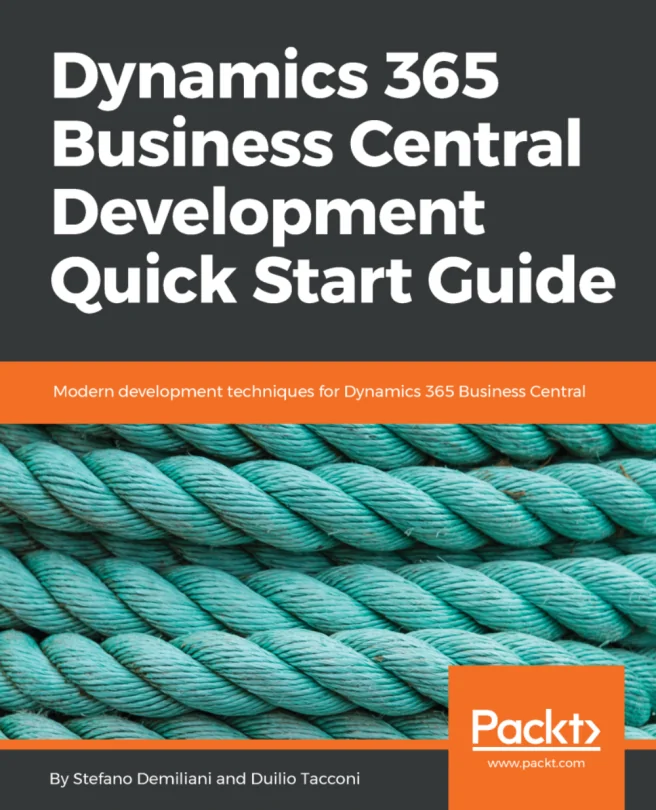
Dynamics 365 Business Central Development Quick Start Guide
Modern development techniques for Dynamics 365 Business Central


Created by Stefano Demiliani, Duilio Tacconi
Get hands-on with Microsoft Dynamics 365 Business Central and learn how to design, build, and deploy real-world solutions using the latest development techniques. Explore the essentials of the modern extension model and discover practical ways to work with both on-premise and cloud environments.
Packt | Aug 2018 | 224 min
What You Will Learn
You will start by understanding the core concepts of Dynamics 365 Business Central and the extension-based development model. As you progress, you'll work through practical exercises that guide you in setting up your environment, building extensions, and deploying solutions in both cloud and on-premise setups. Each step is designed to help you apply your knowledge immediately.
Key Features
- Build and deploy extensions for Dynamics 365 Business Central with confidence
- Set up sandboxes and use Docker to streamline your development workflow
- Create serverless business processes and manage source code for AL projects
Target Audience
If you are a solution developer or architect working with Microsoft Dynamics 365 Business Central and want to sharpen your skills in building and deploying modern ERP solutions, this guide is for you. A basic understanding of ERP concepts and some development experience will help you get the most out of the material.