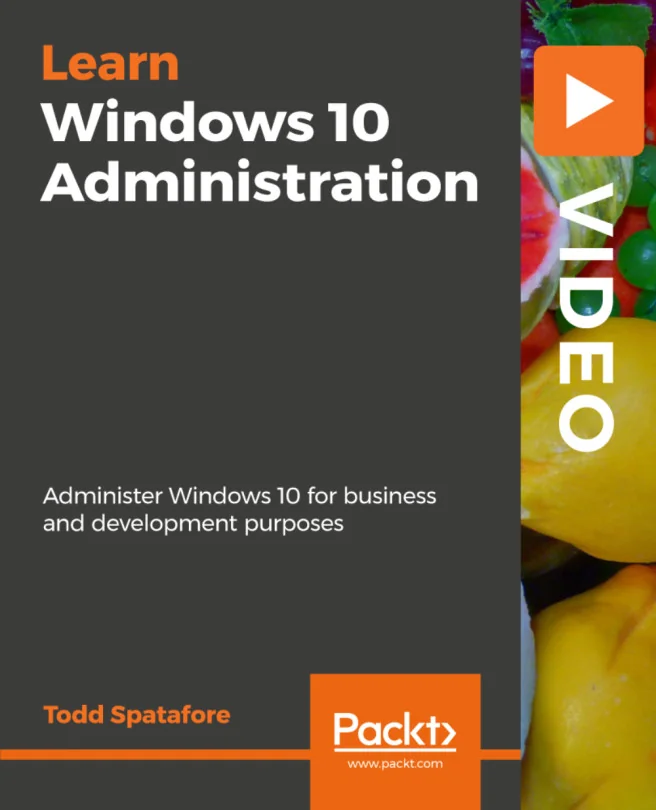
Windows 10 Administration
Administer Windows 10 for business and development purposes

Created by Todd Spatafore
Gain practical skills to manage and secure Windows 10 in a business environment. Explore essential administrative tools, learn how to optimize performance, and tackle troubleshooting with confidence. Build a solid foundation for supporting users and maintaining systems effectively.
Packt | May 2019 | 90 min
What You Will Learn
You will work through real-world administrative tasks using Windows 10, from installation and configuration to security and troubleshooting. Each topic builds on the last, helping you develop hands-on skills for managing systems in a professional setting. By practicing these techniques, you'll be ready to support users and maintain secure, reliable environments.
Key Features
- Install, configure, and personalize Windows 10 for business use
- Apply best practices for securing and updating Windows 10 systems
- Troubleshoot and resolve common administrative and networking issues
Target Audience
Designed for IT professionals, system administrators, and developers with some experience in Windows administration. If you're looking to update your skills from earlier versions or need to manage Windows 10 in your organization, you'll find practical guidance and actionable steps to boost your confidence and effectiveness.
Related courses