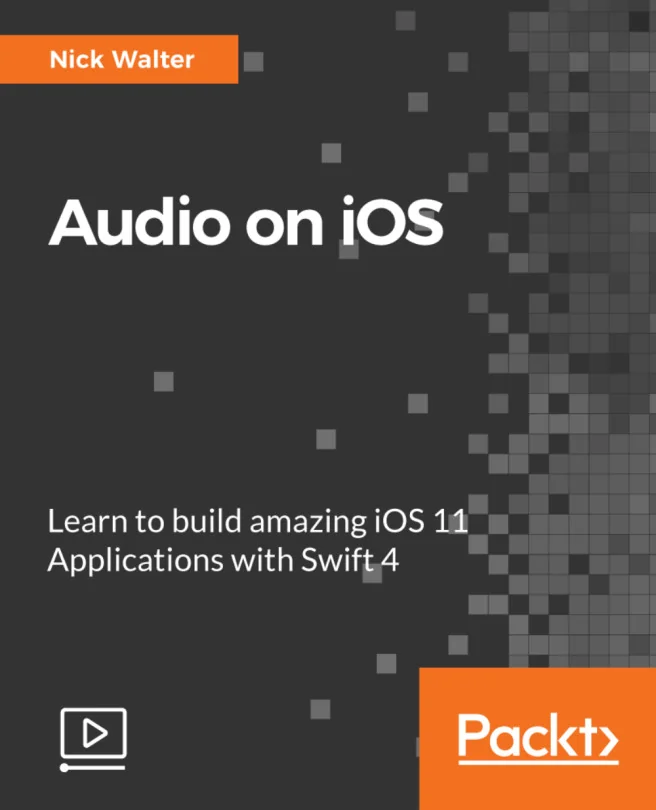
Audio on iOS
Learn to build amazing iOS 11 Applications with Swift 4

Created by Nick Walter
Explore how to add powerful audio features to your iOS apps using Swift. Discover practical ways to play, record, and manage audio on Apple devices. Build hands-on skills that help you create engaging and interactive app experiences.
Packt | Mar 2018 | 122 min
What You Will Learn
You will start by learning how to play audio files and set up background music or sound effects. Then, you will move on to recording audio with device microphones and managing those files. By building a soundboard app, you will put your skills into practice and see how to connect audio features with data storage.
Key Features
- Play and record audio using iOS frameworks and device microphones
- Store and retrieve audio files efficiently with Core Data integration
- Build a functional soundboard app to apply your new audio skills
Target Audience
Perfect for developers with some Swift experience who want to add audio features to their iOS apps. If you are looking to deepen your understanding of iOS frameworks and create more interactive user experiences, this is a great next step.
Related courses