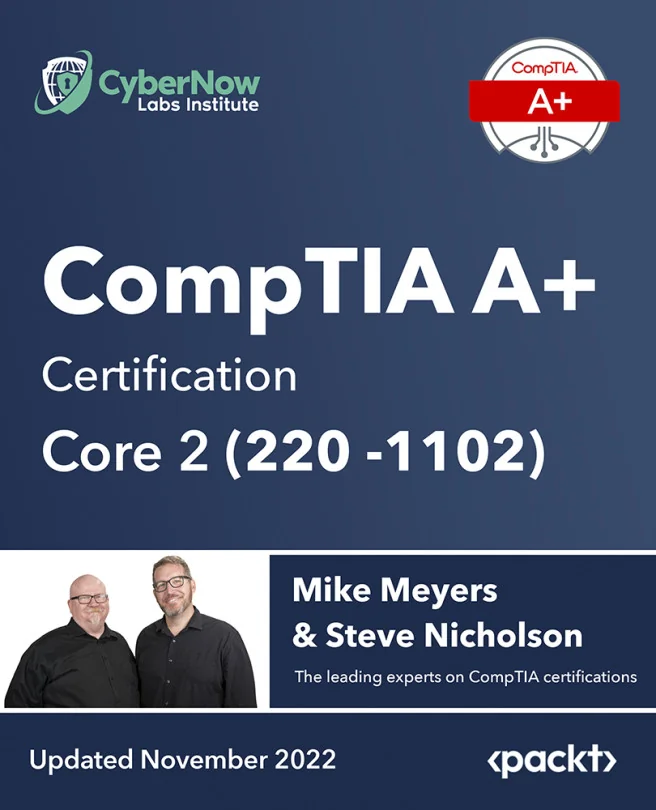
CompTIA A+ Certification Core 2 (220-1102)
Everything you need in order to pass the A+ Certification Core (220-1102) exam
 SN
SNCreated by Mike Meyers, Steve Nicholson
Get ready to pass the CompTIA A+ Core 2 (220-1102) exam by mastering key IT skills. You'll dive into operating systems, security, software troubleshooting, and essential operational procedures. Build confidence as you prepare for certification and boost your abilities as an IT technician.
Packt | Nov 2022 | 1066 min
What You Will Learn
You'll work through practical explanations and real-world examples that make complex topics easy to understand. By exploring each domain, you'll build hands-on skills and test your knowledge as you go. The structure is designed to help you steadily gain confidence and prepare for the certification exam.
Key Features
- Master installation and troubleshooting for Windows, macOS, Linux, iOS, and Android
- Understand and apply essential security concepts to protect systems and data
- Handle real-world IT challenges with solid operational procedures and best practices
Target Audience
Perfect for aspiring or current IT technicians who want to earn the CompTIA A+ Core 2 certification. If you have a basic understanding of computers and networks and want to advance your troubleshooting, security, and operational skills, you'll find this training valuable. Prior job experience is helpful but not required.
Related courses