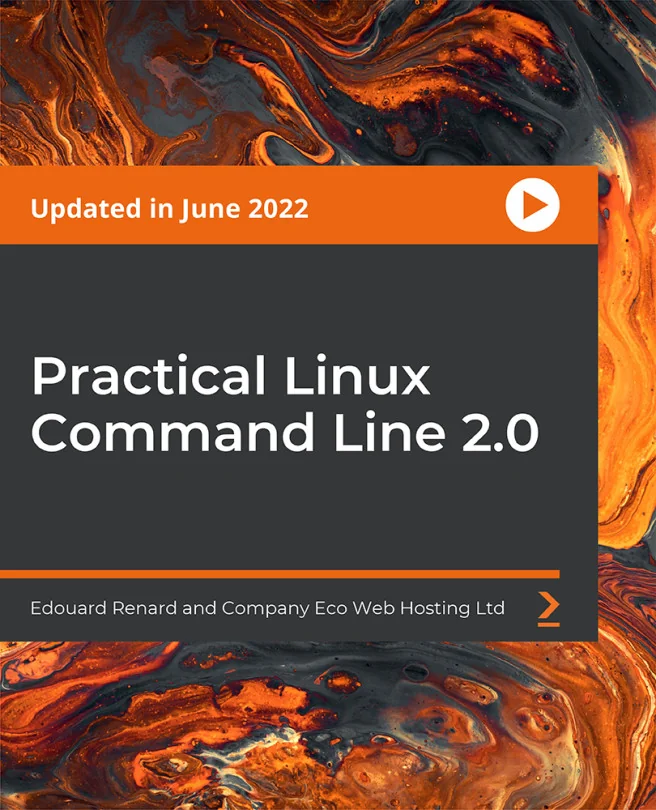
Practical Linux Command Line 2.0
Get started with this step-by-step guide to the Linux command line with concrete Linux terminal examples


Created by Edouard Renard, Rob Percival
Explore the Linux command line from the ground up, starting with installing Ubuntu on a virtual machine. Build practical skills for navigating, managing files, editing text, and handling system tasks using real-world terminal examples. No prior Linux experience is needed to get started and gain confidence.
Packt | Jun 2022 | 217 min
What You Will Learn
You will follow clear, step-by-step instructions to install Linux and practice each command as you learn it. Real examples help you understand not just how, but why each command works. Hands-on exercises and practical tips make it easy to build confidence and apply your new skills right away.
Key Features
- Set up a Linux environment and navigate the file system with ease
- Edit files, manage permissions, and install software using essential commands
- Boost productivity with shortcuts, multi-terminal use, and remote SSH connections
Target Audience
Perfect for beginners with no Linux background who want to understand the command line from scratch. Also great for those seeking a quick refresher or anyone aiming to work in IT, development, or data roles. If you want to build a solid foundation for any Linux-based project, this is for you.