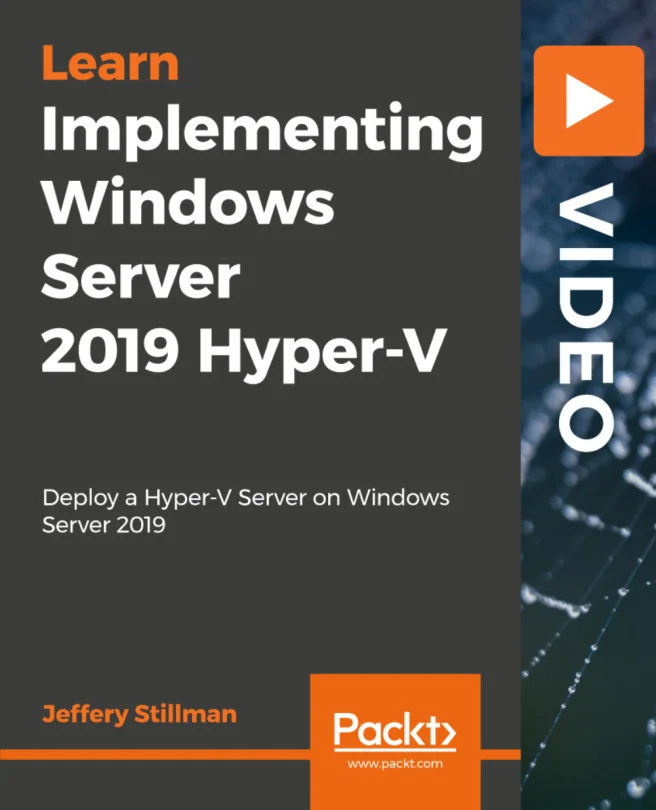
Implementing Windows Server 2019 Hyper-V
Deploy a Hyper-V Server on Windows Server 2019
Created by Jeffery Stillman
Explore how to set up and manage Hyper-V on Windows Server 2019 to streamline server virtualization. Learn to deploy virtual machines, networks, and storage while following best practices for performance and efficiency. Gain practical skills for real-world server environments.
Packt | Feb 2019 | 147 min
What You Will Learn
You will follow step-by-step demonstrations and hands-on activities that walk you through real-world deployment scenarios. Each concept is explained in clear language, with practical tips and best practices to help you confidently manage Hyper-V environments. By practicing these tasks, you'll build skills that transfer directly to your own projects.
Key Features
- Set up and configure Hyper-V servers, virtual machines, and virtual networks
- Apply best practices for storage, networking, and high availability in Hyper-V
- Manage and migrate virtual machines using built-in tools and PowerShell
Target Audience
Ideal for system administrators with some experience in server management who want to expand into virtualization using Windows Server 2019. If you have worked with earlier Hyper-V versions or other virtualization tools, you'll find this content especially relevant for updating your skills and optimizing your infrastructure.
Related courses