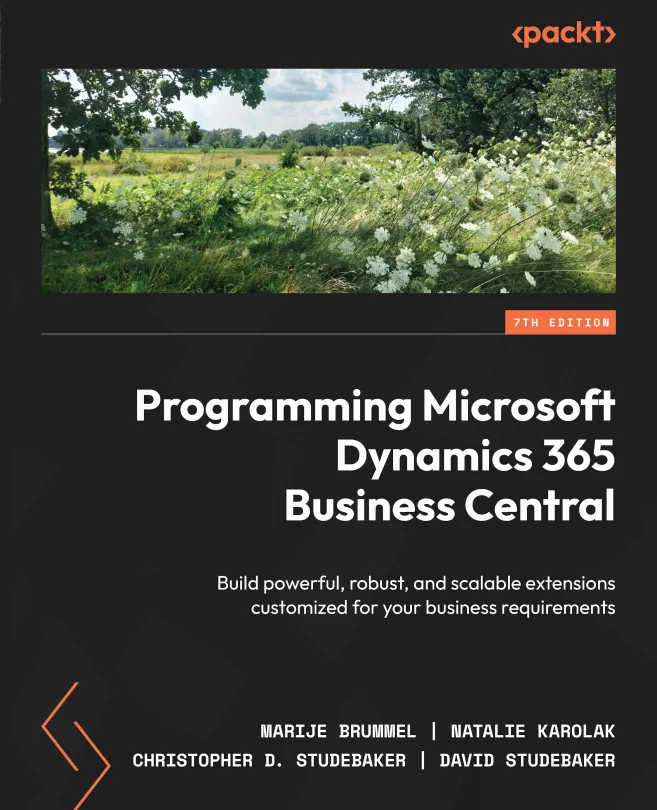
Programming Microsoft Dynamics 365 Business Central
Build powerful, robust, and scalable extensions customized for your business requirements
 MBCS+1
Created by Natalie Karolak, Marije Brummel, Christopher D. Studebaker and 1 more
Explore how to build custom extensions for Microsoft Dynamics 365 Business Central using the AL language in Visual Studio Code. You'll learn how to address real business needs by creating, extending, and integrating powerful features tailored to your organization.
Packt | Oct 2024 | 466 min
What You Will Learn
You'll start by getting hands-on with the AL language and Visual Studio Code, setting up your workspace and building your first extension. As you progress, you'll design and extend data structures, user interfaces, and reports. Step by step, you'll tackle business logic, data integration, and troubleshooting, applying best practices throughout.
Key Features
- Set up a complete AL development environment and build your first extension
- Design and extend tables, pages, and reports to fit your business processes
- Integrate with external systems and debug your Business Central applications
Target Audience
Ideal for ERP consultants, developers, and technical managers who want to customize Business Central. If you have a basic understanding of programming and business software, you'll quickly gain the skills to build, extend, and maintain robust Business Central solutions for your organization.