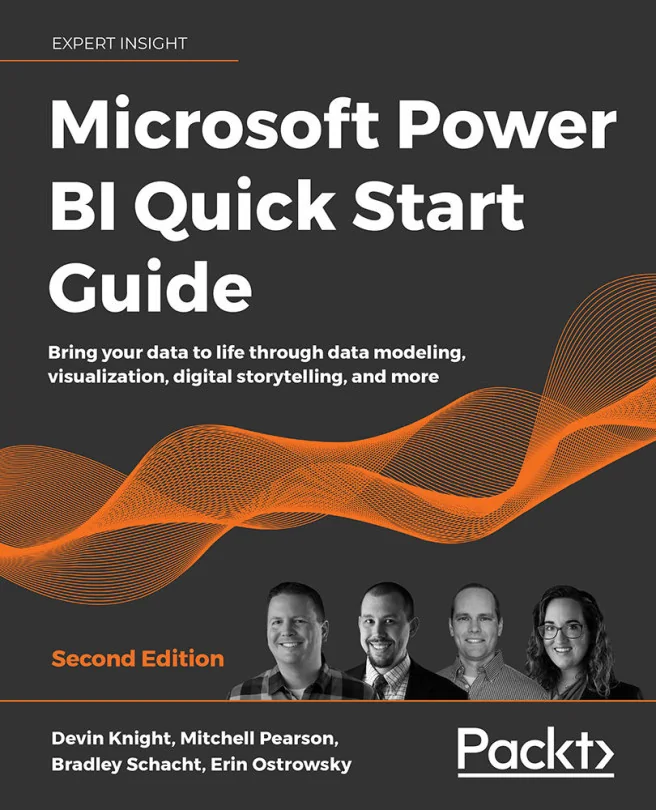
Microsoft Power BI Quick Start Guide
Bring your data to life through data modeling, visualization, digital storytelling, and more
 EODK+1
Created by Bradley Schacht, Erin Ostrowsky, Devin Knight and 1 more
Get hands-on with Microsoft Power BI and learn how to turn raw data into clear, actionable insights. Explore data modeling, visualization, and digital storytelling while mastering the latest Power BI features. Build practical skills that help you make better business decisions using data.
Packt | Oct 2020 | 296 min
What You Will Learn
You will work step by step through real-world scenarios that show how to connect, clean, and model data using Power BI. As you progress, you'll create dashboards and reports, apply DAX calculations, and use built-in AI tools to enhance your analysis. You'll also learn how to manage security and automate data processes for your organization.
Key Features
- Connect and transform data from multiple sources for cleaner, more reliable analysis
- Design interactive dashboards and reports that highlight key business insights
- Implement security and automate data refreshes to streamline your Power BI environment
Target Audience
This content is ideal for business analysts, data professionals, or anyone with basic BI knowledge who wants to expand their Power BI skills. If you're looking to create impactful reports, manage data more efficiently, or support smarter business decisions, you'll find practical guidance and clear examples to help you reach your goals.