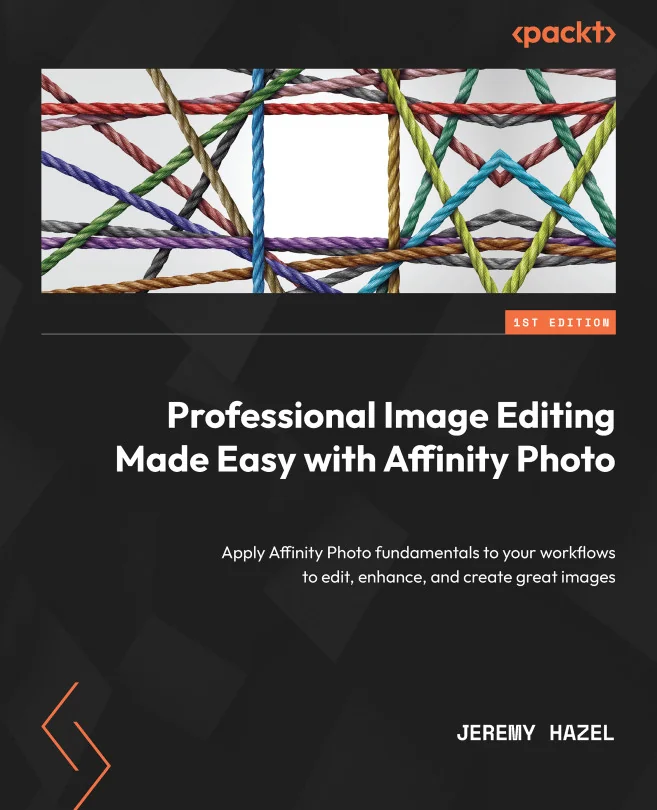
Professional Image Editing Made Easy with Affinity Photo
Apply Affinity Photo fundamentals to your workflows to edit, enhance, and create great images
Created by Jeremy Hazel
Get hands-on with Affinity Photo and learn how to edit, enhance, and create impressive images using practical techniques. Build your skills by working through real-world projects that show you how to use the right tools for the results you want. Move beyond theory and start producing polished, professional-quality edits.
Packt | May 2023 | 464 min
What You Will Learn
You will start by getting comfortable with the Affinity Photo interface and basic editing tools. As you progress, you will tackle a series of practical projects that introduce new techniques and build on your skills. Each project helps you understand not just how tools work, but why and when to use them for the best results.
Key Features
- Master masking, selection, brushes, blend modes, and color tools for better edits
- Explore advanced editing features like tone mapping and liquify to expand your workflow
- Create custom brushes and assets to personalize your editing style in Affinity Photo
Target Audience
Ideal for intermediate users, including those new to Affinity Photo, Photoshop switchers, and small business owners wanting to edit their own images. If you want to develop a repeatable workflow, create professional edits, or build your own asset libraries, you will find practical value and clear guidance throughout.