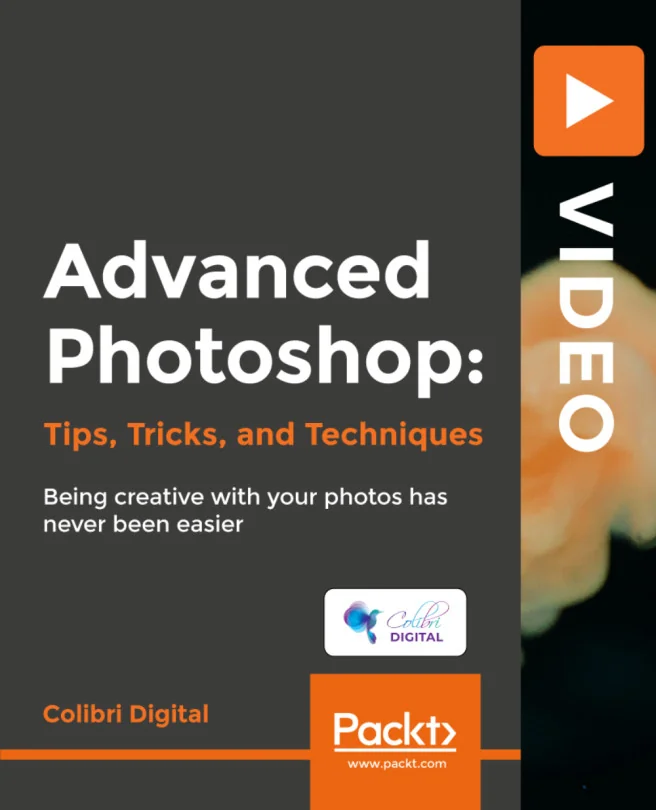
Advanced Photoshop: Tips, Tricks, and Techniques
Being creative with your photos has never been easier
Created by James Cross
Unlock the full potential of Photoshop by exploring advanced editing techniques that bring a professional touch to your photos. Dive into creative workflows and discover how to transform ordinary images into striking visual pieces using the latest features in Photoshop CC 2019.
Packt | May 2019 | 201 min
What You Will Learn
You will follow step-by-step demonstrations that break down complex Photoshop features into manageable actions. Each topic focuses on practical tips and real-world applications, so you can immediately apply what you learn to your own projects. Interactive examples help reinforce your skills as you progress.
Key Features
- Master advanced selection, masking, and retouching for polished results
- Streamline your workflow with pro-level layers, shortcuts, and reusable mockups
- Enhance and adjust colors, remove objects, and resize images without distortion
Target Audience
Perfect for intermediate Photoshop users who want to elevate their editing skills and achieve professional-quality results. If you already know the basics and want to unlock more creative possibilities, this course will help you work faster and more confidently on your photo and graphic projects.