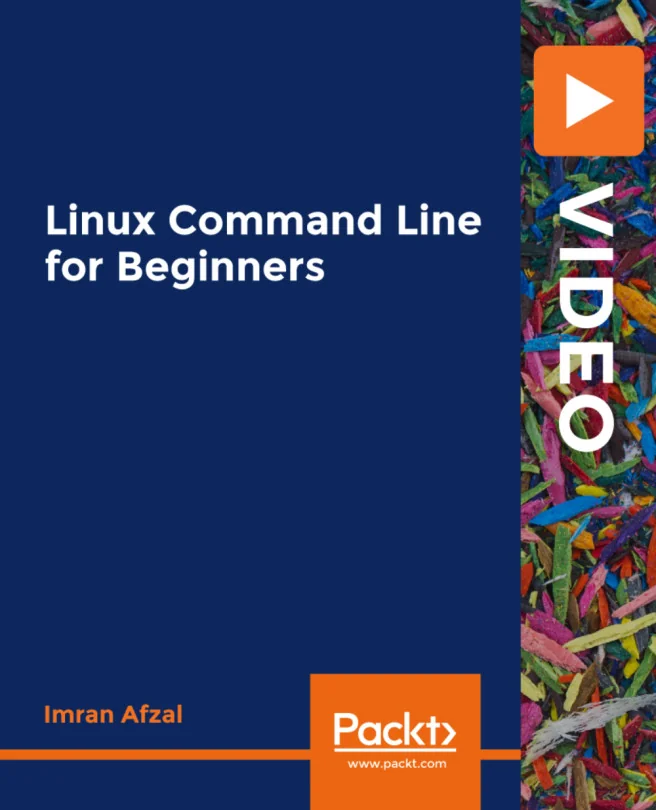
Linux Command Line for Beginners
Learn more about basic Linux System Administration

Created by Imran Afzal
Get hands-on with Linux system administration and command line skills, even if you have a busy schedule. Discover how to set up virtual machines, manage files, and navigate the Linux environment efficiently. Build practical knowledge that you can apply right away in your IT role.
Packt | May 2019 | 295 min
What You Will Learn
You will learn by following clear, step-by-step demonstrations of each command and concept. Short, focused sessions let you practice skills as you go, so you can fit learning into your day. By working through real scenarios, you'll quickly build a solid foundation in Linux administration.
Key Features
- Set up and manage Linux virtual machines for real-world practice
- Master essential file, user, and process management commands
- Gain confidence using text editors and basic shell scripting
Target Audience
Ideal for IT professionals, help desk technicians, and developers who want to add Linux skills without spending weeks studying. If you're comfortable with computers but new to Linux, or you need a fast, practical introduction to system administration, you'll find this content especially useful.