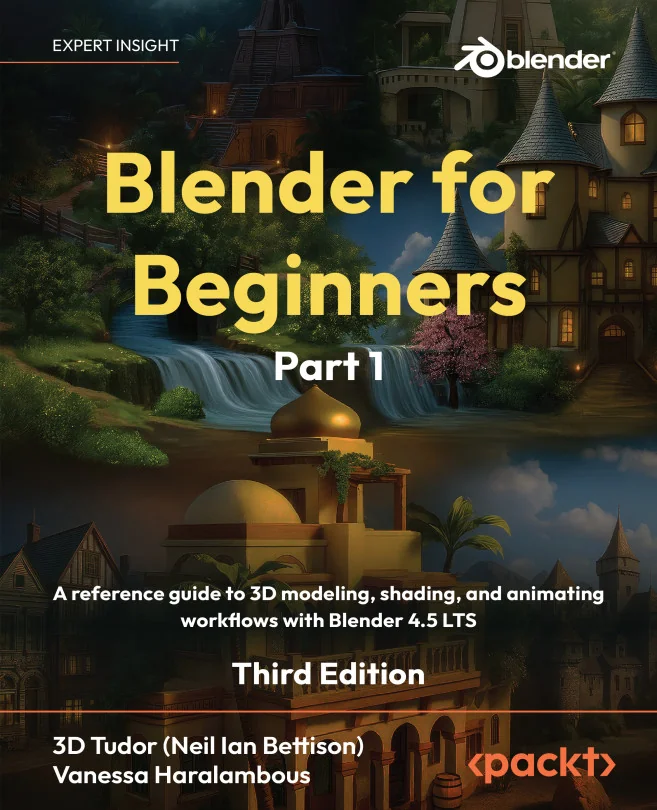
Blender for Beginners Part 1
A reference guide to 3D modeling, shading, and animating workflows with Blender 4.5 LTS
Created by Vanessa Haralambous
Get comfortable with Blender 4.5 LTS by learning how to navigate the interface, organize your workflow, and master essential 3D modeling tools. Build a solid foundation in creating clean, shading-friendly models and materials. Gain confidence as you prepare your work for animation and more advanced techniques.
Packt | Nov 2025 | 702 min
What You Will Learn
You will start by exploring Blender's interface and navigation, then move on to hands-on modeling exercises that teach you how to use essential tools and techniques. Step by step, you'll practice creating assets, organizing your scenes, and applying materials, all while building habits that lead to clean, professional results.
Key Features
- Master Blender navigation and interface setup for an efficient workflow
- Model clean, shading-ready assets using core tools like Extrude and Bevel
- Create realistic materials and prep your files for animation and rendering
Target Audience
Perfect for aspiring 3D artists, game designers, and animators with some digital art experience but new to Blender. If you want to create game-ready assets, props, or environments and develop a strong foundation in 3D modeling and shading, you'll find practical guidance and clear explanations throughout.
Related courses